
If you are waiting for your UAE visa approval before you fly, the document you are tracking is called an entry permit — not a residence visa. The two are issued at different stages of the journey, and most people check the wrong portal or select the wrong option and panic when the system returns “no record found”. This guide shows you how to do a uae entry permit status check the right way, step by step, on the official free government portals.
Whether your permit was arranged by a sponsor, an employer, an airline, a hotel or a travel agency, the check takes less than two minutes once you know which emirate issued it and which option to select on the portal.
Entry Permit vs Residence Visa: What Is the Difference?
The confusion between these two documents is the number one reason status checks fail. Here is the distinction that matters:
| Entry Permit | Residence Visa | |
|---|---|---|
| When it is issued | Before you travel — the pre-approval | After you arrive in the UAE |
| Who arranges it | Your sponsor, employer, airline, hotel or travel agency | Your sponsor/employer inside the UAE |
| What it lets you do | Board your flight and enter the UAE | Live and work in the UAE long term |
| For tourists | The visit/tourist visa is the entry permit | Not needed for a tourist trip |
| Entry window | Usually 60 days to enter the UAE after approval | Issued after medical test and Emirates ID steps |
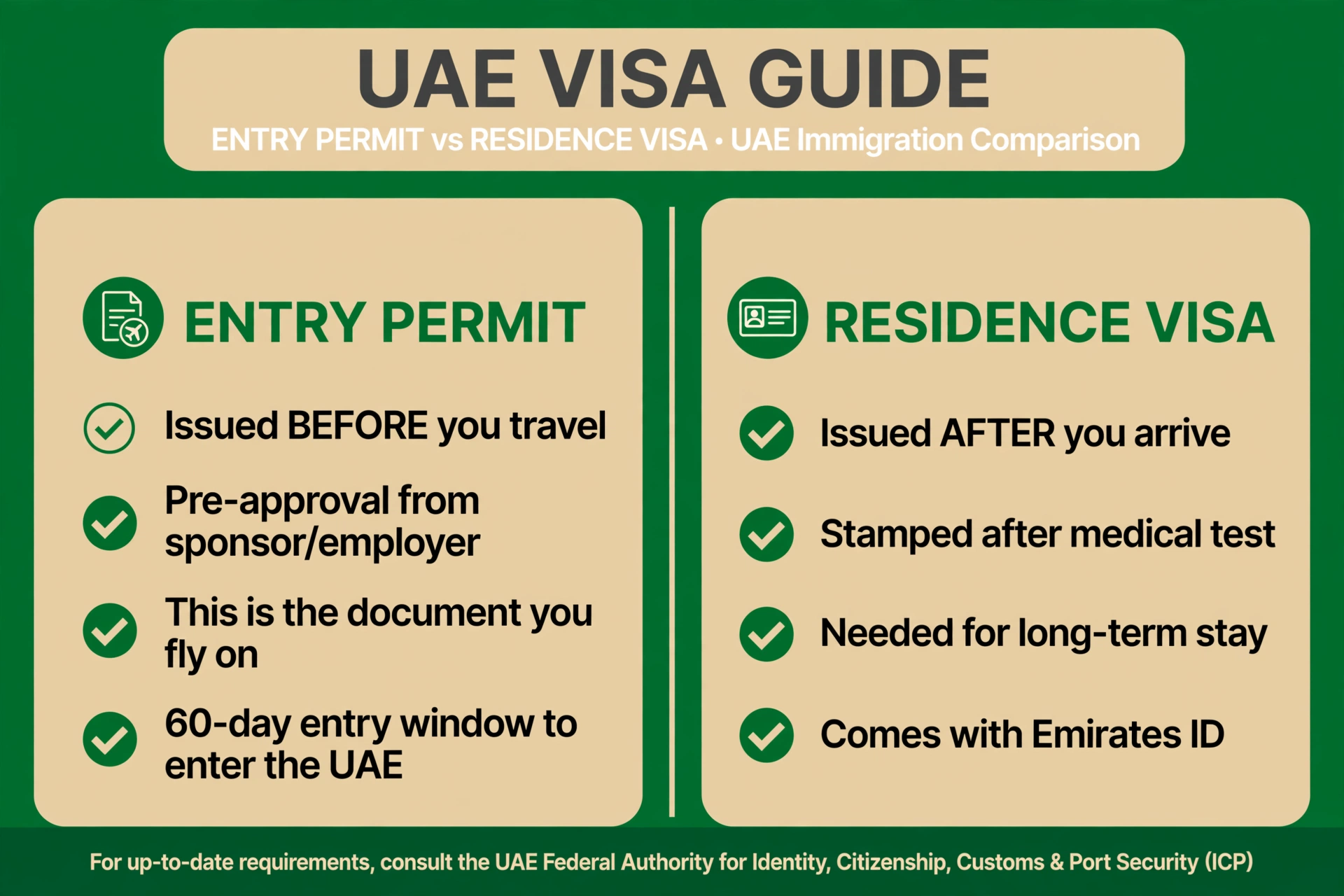
In short: the entry permit is the document you fly on. The residence visa is stamped after you land (and after the medical test for workers). So if you are still outside the UAE waiting for approval, you are tracking an entry permit — which changes exactly which portal option you must select.
How to Check Your Entry Permit Status via ICP (Abu Dhabi, Sharjah, Ajman, RAK, Fujairah, Umm Al Quwain)
Entry permits issued outside Dubai are tracked on the ICP Smart Services portal (smartservices.icp.gov.ae), using its “File Validity” service. Follow these steps:
- Go to smartservices.icp.gov.ae and open the File Validity service.
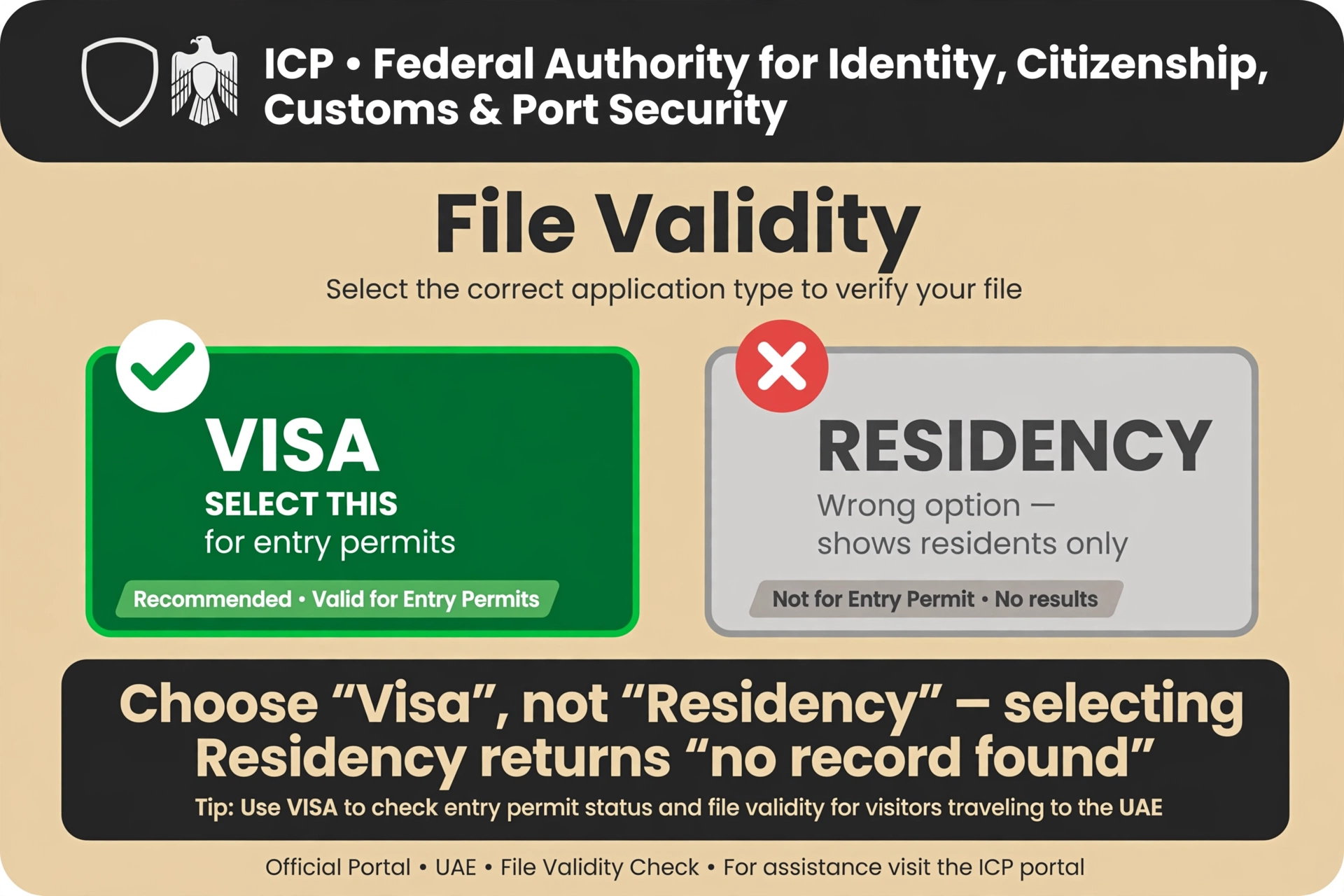
- When asked for the application type, select “Visa” — not “Residency”. This is the step most people get wrong.
- Choose to search by Passport Information or File Number.
- Enter your passport number, passport expiry date and nationality.
- Complete the CAPTCHA and click Search. Your entry permit status appears instantly.
Important: On the ICP “File Validity” page you must select “Visa”, not “Residency”. An entry permit is a visa-type file — selecting “Residency” will return “no record found” even when your permit is perfectly fine.
The ICP check is completely free, and you can repeat it as often as you like while your application is being processed.
How to Check Dubai-Issued Entry Permits via GDRFA
Dubai runs its own immigration system. If your entry permit was issued in Dubai, check it on the GDRFA portal (gdrfad.gov.ae) using the “Visa Status” service:
- Go to gdrfad.gov.ae and open “Visa Status”.
- Search by file number, or by passport number + date of birth + nationality.
- Enter the details exactly as they appear on your passport and click search.
- Your entry permit status is displayed immediately.
Not sure which emirate issued your permit? Ask your sponsor or agency — it is printed on the application receipt they gave you. Using the wrong portal is the second most common reason for a “not found” result.
Reading Your Status: What the Result Means
| Status | What it means | What to do |
|---|---|---|
| Issued / Approved | Your entry permit has been approved. | You are ready to travel — book your flight and enter the UAE within the permit’s entry window. |
| In process / Under review | Your application is still being checked by immigration. | Wait and re-check after a few days. Do not book non-refundable tickets yet. |
| Rejected | The application was refused. | Contact your sponsor or agency immediately to find out why and whether it can be re-filed. |
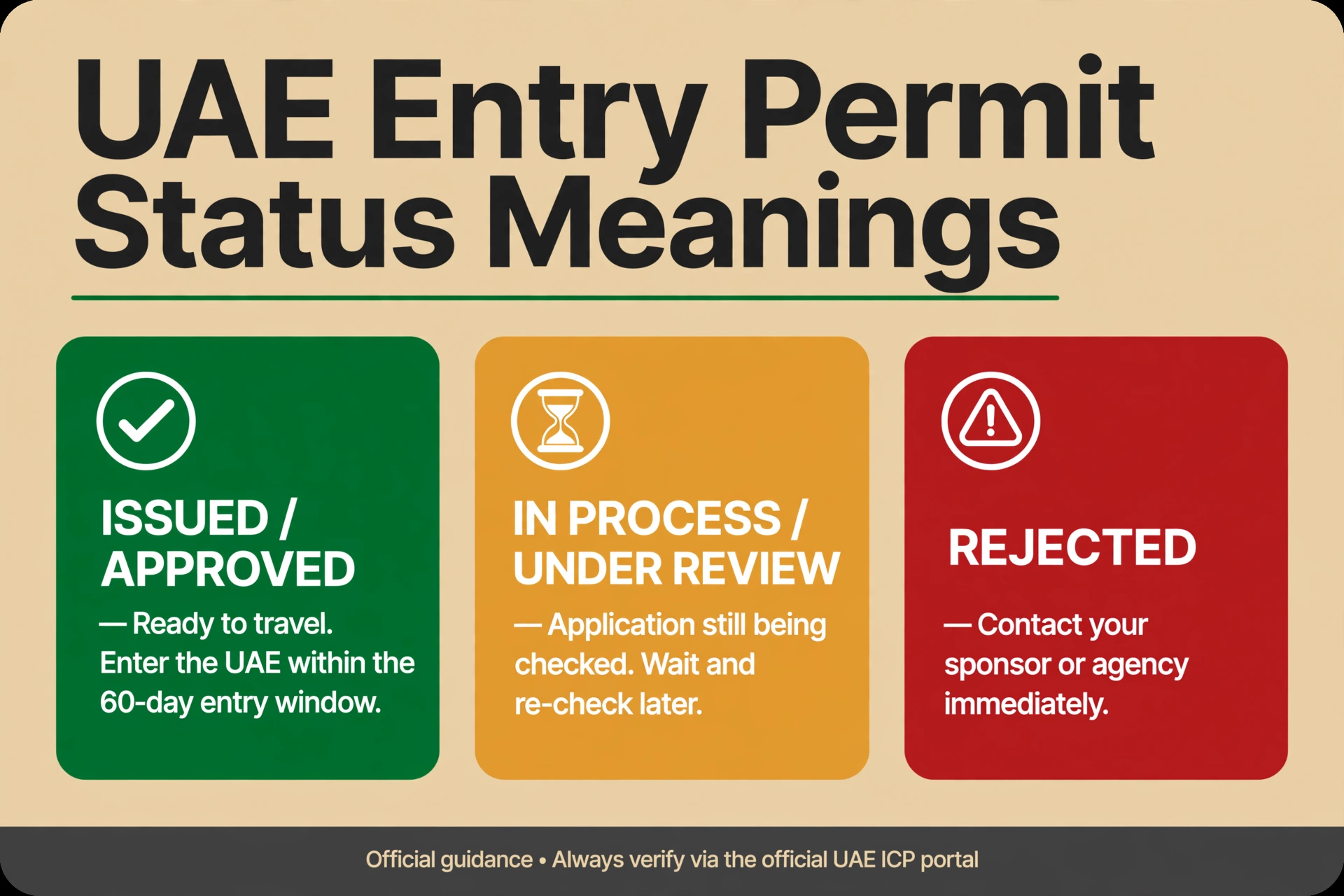
Do not miss the 60-day window: An approved entry permit typically gives you 60 days to enter the UAE. If you do not travel within that window, the permit expires and your sponsor must apply again. Check the expiry date on the approved permit itself, not just the “approved” status.
Troubleshooting: “Not Found” or “No Record” Results
Before you worry, work through this checklist — nine times out of ten the permit exists and something in the search was wrong:
- Check the portal selection on ICP: Make sure you selected “Visa” and not “Residency”. This alone fixes most “not found” results.
- Re-type your passport details: Verify the passport number and expiry date match your passport exactly — one wrong digit is enough to hide the record.
- Confirm the issuing emirate: Dubai-issued permits only show on GDRFA (gdrfad.gov.ae); all other emirates only show on ICP (smartservices.icp.gov.ae).
- Get the file number from your sponsor: Searching by file number is more reliable than passport details. Ask your sponsor, employer, airline, hotel or agency for it.
- Allow processing time: A brand-new application may not appear in the system for a day or two after filing.
If everything checks out and the permit still cannot be found, call the helpline: Amer 800 5111 for Dubai-issued permits, or ICP 600 52 2222 for permits from the other emirates.
The Sponsor and Employer Role
You do not apply for an entry permit yourself — your sponsor does it for you. The sponsor can be a family member, an employer, an airline, a hotel or a travel agency, depending on the permit type. That means:
- Your sponsor should share the file/request number with you as soon as the application is filed — this is the most reliable way to track it.
- If the status is “rejected”, only the sponsor can usually see the rejection reason and re-file the application.
- If your employer applied for a work entry permit, ask their PRO or HR for updates rather than relying on the portal alone.
- For tourist/visit visas, the travel agency that sold you the visa is your first point of contact for status updates.
Beware of Scam Visa-Status Websites
Official status checks are always FREE. Use only gdrfad.gov.ae (Dubai) and smartservices.icp.gov.ae (other emirates). Third-party websites that charge a fee for “instant visa approval checks” are not official — they may harvest your passport details or simply resell the same free result. Never pay to check your entry permit status.
A genuine entry permit is also verifiable by its details matching the official portal record. If an agency sends you a permit copy that does not match what the portal shows, treat it as a red flag and verify with the sponsor directly.
Just Arrived? Get Your Nol Card Sorted
Once your entry permit is approved and you land in the UAE, you will need a Nol card for the Dubai Metro, buses and trams. Tourists can grab one at the airport — see our guide to the Nol card for tourists. After that, you can check your Nol card balance and recharge your Nol card online in minutes.
Watch: How to Check Your UAE Visa Status Online
Frequently Asked Questions
What is a UAE entry permit?
An entry permit is the pre-approval issued by your sponsor, employer, airline, hotel or agency before you travel to the UAE. For tourists, the visit visa is the entry permit — it is the document you fly on, while the residence visa is only stamped after you arrive.
How do I check my UAE entry permit status online?
For permits issued outside Dubai, use the ICP Smart Services portal (smartservices.icp.gov.ae) “File Validity” service, select “Visa”, and search with your passport number, passport expiry and nationality. For Dubai-issued permits, use the GDRFA portal (gdrfad.gov.ae) “Visa Status” service with your file number or passport details.
Which portal should I use — ICP or GDRFA?
It depends on which emirate issued your entry permit. Dubai-issued permits are checked on GDRFA (gdrfad.gov.ae); permits from Abu Dhabi, Sharjah, Ajman, Ras Al Khaimah, Fujairah and Umm Al Quwain are checked on ICP Smart Services (smartservices.icp.gov.ae). Ask your sponsor which emirate issued it if you are unsure.
Why does my entry permit show “no record found”?
The most common cause is selecting “Residency” instead of “Visa” on the ICP File Validity page. Other causes include a typo in your passport number or expiry date, checking the wrong portal for the issuing emirate, or the application being too new to appear in the system yet.
Is checking my UAE entry permit status free?
Yes — status checks on the official ICP and GDRFA portals are completely free. Never pay a third-party website for an “instant visa status check”; these sites are not official and may misuse your passport details.
How long is an approved entry permit valid for entry?
An approved entry permit typically has a 60-day window to enter the UAE. If you do not travel within that window, the permit expires and your sponsor must file a new application. Always confirm the exact dates printed on your approved permit.
What should I do if my entry permit is rejected?
Contact your sponsor or agency immediately — only they can usually see the rejection reason and re-file the application. For Dubai-issued permits you can also call Amer on 800 5111; for other emirates call ICP on 600 52 2222.
Can my sponsor check the entry permit status for me?
Yes — and they should. Your sponsor filed the application, so they have the file/request number and can track it directly. If you are struggling with the portals, ask your sponsor, employer or travel agency for a status update and the file number.
Keep exploring the visa status cluster: Once your permit is approved, learn how to check your Dubai visit visa status for tourist trips, see how to check your UAE residence visa status after you settle in, and find out how to check UAE visa expiry and overstay fines so you never overstay by accident.
Pingback: How to Apply for Emirates ID in 2026