











Check your Dubai visit visa status online in about two minutes. For a Dubai-issued visit visa, open the GDRFA portal, choose Visa Status and search with your passport number, date of birth and nationality. For a visit visa issued in any other emirate, use ICP Smart Services → File Validity instead. Both checks are free, and the result shows your visa type, issue date, expiry date and current status.
The catch: Dubai runs its own immigration system. A visit visa issued in Dubai is checked on the GDRFA portal, while a visa issued in Abu Dhabi, Sharjah or any other emirate is checked on the ICP portal. Use the wrong one and you will get a confusing “file not found” — even though your visa is perfectly fine. This guide shows you which portal to use and the exact steps for each.
Related: the Emirates ID guide, checking visa status by passport number and the GDRFA Dubai visa status check. For every method in one place, see our full guide to checking your UAE visa status online; residents can also run the check with an Emirates ID.
Check It Free on the Official Portals
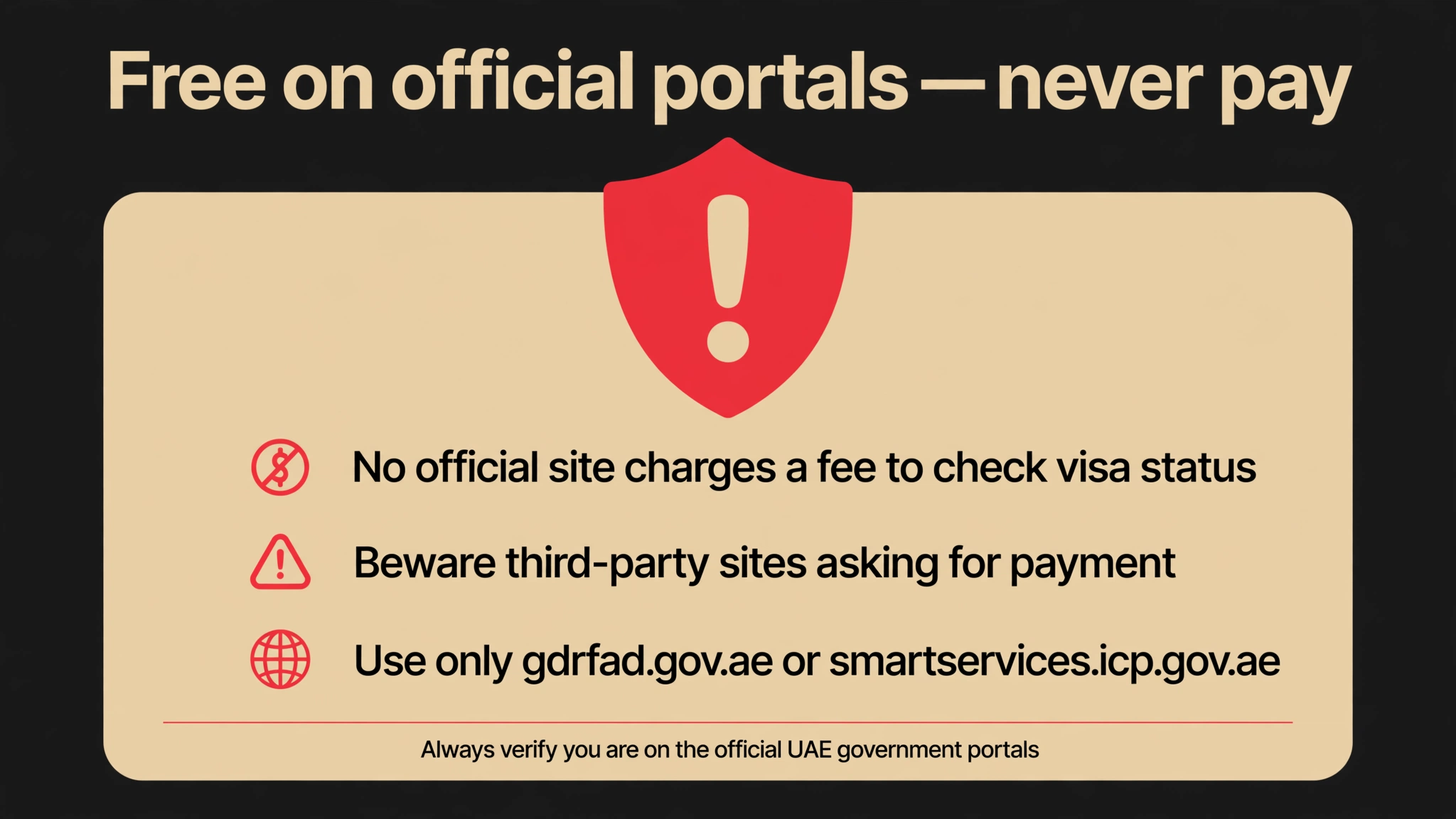
No website — including this one — can see your live visa record. Only the UAE’s official portals hold it, and checking there is always free. Anyone charging you for a “visa check” is running a scam, so go straight to the source:
- GDRFA Dubai — Visa Status Inquiry (gdrfad.gov.ae) covers Dubai-issued visas only. Open the visa status service, pick a search method (file number, passport or application number) and enter your details.
- ICP Smart Services — File Validity (smartservices.icp.gov.ae) covers visas issued in Abu Dhabi, Sharjah, Ajman, Umm Al Quwain, Ras Al Khaimah and Fujairah. Open Public Services → File Validity, choose your search type, enter your details and complete the captcha.
- u.ae — Track a Visa Application is the UAE Government Portal’s own page. It routes you to the correct federal service for your application.
The methods below follow these official portals step by step, starting with GDRFA — the one most Dubai visitors need.
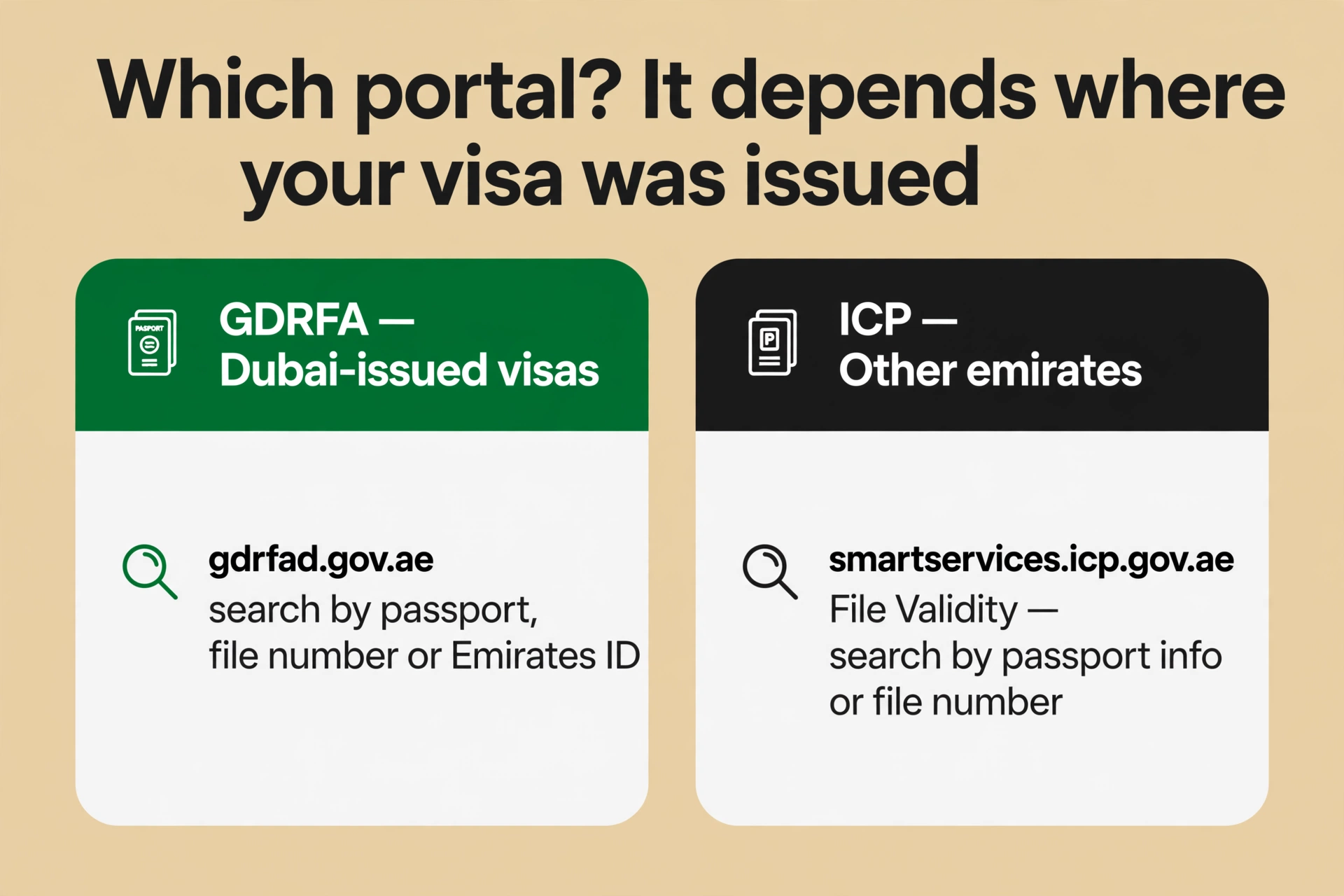
Which Portal Do You Need? GDRFA vs ICP
Dubai is the only emirate with its own immigration authority — the General Directorate of Residency and Foreigners Affairs (GDRFA). Every other emirate (Abu Dhabi, Sharjah, Ajman, Umm Al Quwain, Ras Al Khaimah and Fujairah) is handled by the Federal Authority for Identity, Citizenship, Customs and Port Security (ICP). Your visit visa was processed by the emirate your sponsor applied through — most often the one you fly into.
| GDRFA Dubai | ICP Smart Services | |
|---|---|---|
| Use when | Your visit visa was issued in Dubai | Your visit visa was issued in Abu Dhabi, Sharjah, Ajman, UAQ, RAK or Fujairah |
| Official portal | gdrfad.gov.ae | smartservices.icp.gov.ae |
| Service name | Visa Status / Fines Inquiry | File Validity |
| Search options | Passport + date of birth + nationality, file number, or Emirates ID | Passport Information (passport number, expiry, nationality) or File Number |
| Cost | Free | Free |
| Helpline | Amer: 800 5111 | ICP: 600 52 2222 |
Method 1: Check on the GDRFA Portal (Dubai-Issued Visas)
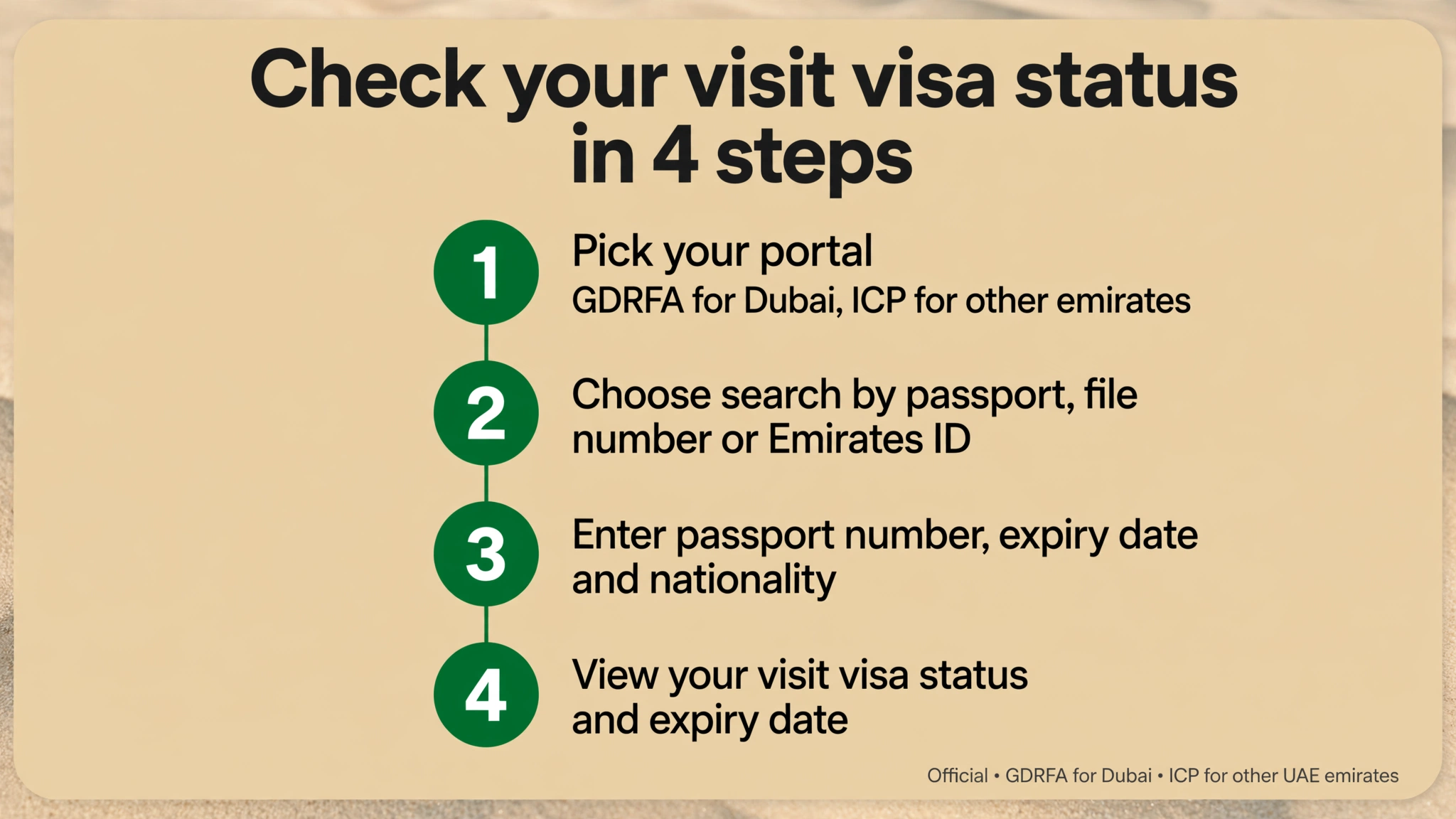
Follow these steps to complete your dubai visit visa status check on the official GDRFA website:
- Go to the official GDRFA portal. Open gdrfad.gov.ae in your browser and look for the Visa Status or Fines Inquiry service on the homepage or under online services.
- Pick your search method. You can search by passport information (passport number, date of birth and nationality), by file number, or by Emirates ID. For a fresh tourist visa, the passport search is usually the easiest.
- Enter your details carefully. Type your passport number exactly as printed (no spaces), your date of birth, and select your nationality. One typo and the record will not be found.
- Complete the captcha and click Search. Your visa details appear on screen: the visa number, issue date, expiry date and current status.
- Read the result. A valid visit visa shows as active with its expiry date. Check the expiry date against your travel dates — if you have stayed past it, see our guide on the UAE visa expiry and overstay fine check.
Method 2: Check on the ICP Portal (Other Emirates)
If your visit visa was issued anywhere other than Dubai, the correct portal is ICP Smart Services:
- Open smartservices.icp.gov.ae and find the File Validity service (also listed under passport information / visa services).
- Choose your search type. Select Passport Information or File Number, then choose Visa (not Residency).
- Enter the required details. For a passport search you need your passport number, passport expiry date and nationality.
- Submit and read the result. The portal shows your file’s validity — the visa status, issue date and expiry date.
The ICP check is free, and you can also log in with UAE Pass or use the UAEICP mobile app for the same result on your phone. Prefer talking to a human? The ICP helpline is 600 52 2222.
Method 3: Amer, DubaiNow and Other Ways
Not near a computer, or want a second opinion? These alternatives also work for a dubai visit visa status check:
- Amer helpline — 800 5111. Call Amer (GDRFA Dubai’s customer service) within the UAE and an agent will look up your visa with your passport or file number. From outside the UAE, use +971 4 313 9999.
- DubaiNow app. Download DubaiNow, open the residency/visa section and view your visa status and any fines linked to it — handy if you want the result on your phone.
- Amer service centres. If the online result looks wrong, visit any Amer centre in Dubai with your passport and visa copy for a manual verification.
- Ask your sponsor. The airline, hotel or travel agency that issued your visit visa can confirm its status — they have access to the same system.
What Your Result Means
Portals usually show one of these outcomes. A status of active/valid with a future expiry date means you are fine — fly or continue your stay. Expired means the visa has lapsed: overstaying attracts a fine of AED 50 per day, and visitors should plan as if there is no grace period. Paying the fine does not extend your stay — you still need to exit or change your status. A file not found result usually means one of three things: the visa was very recently issued and the system has not synced yet, your details were typed incorrectly, or you are checking the wrong portal (the most common cause). For pre-travel approvals, see our guide to the UAE entry permit status check.
Visit Visa Status Meanings
Portals show one of a handful of outcomes. Here is what each one means for a visitor:
| Status shown | What it means | What to do next |
|---|---|---|
| Active / Valid | Your visit visa is in force and you may enter or stay until the expiry date shown. | Note the expiry date and plan your exit or extension before it. |
| Approved | The application is approved but the visa is not formally issued yet. | Wait for Issued before you book travel around it. |
| Under process | The application is still being reviewed. | Re-check in a day or two; processing usually completes within 2–5 working days. |
| Expired | The visa has lapsed. For visitors, fines of AED 50 per day start right after expiry — treat it as no grace period. | Pay the fine and exit, or change status. Paying the fine alone does not extend your stay. |
| Cancelled | The sponsor, airline or agency that arranged the visa has cancelled it. | Do not travel on it. Arrange a new visa before flying. |
| File not found | Usually a very recent visa that has not synced yet, a typing error, or the wrong portal. | Wait 24 hours, re-check every digit, and try the other portal (ICP vs GDRFA). |
Last updated: November 2026 — steps re-checked against the official ICP and GDRFA portals.
Frequently Asked Questions
How do I do a dubai visit visa status check online?
Open gdrfad.gov.ae, choose Visa Status, search by your passport number, date of birth and nationality (or by file number), complete the captcha and click Search. Your visa’s issue date, expiry date and status appear instantly — free of charge.
Which portal should I use — GDRFA or ICP?
Use GDRFA (gdrfad.gov.ae) if your visit visa was issued in Dubai. Use ICP Smart Services (smartservices.icp.gov.ae, File Validity) if it was issued in Abu Dhabi, Sharjah, Ajman, Umm Al Quwain, Ras Al Khaimah or Fujairah. Using the wrong portal gives a “file not found” result.
What details do I need for the check?
On GDRFA you need your passport number, date of birth and nationality (or your file number / Emirates ID). On ICP’s File Validity you need your passport number, passport expiry date and nationality (or file number). No login or account is required for either.
Is the dubai visit visa status check free?
Yes — completely free on the official GDRFA and ICP portals. Any third-party site charging a fee for a visa status check is not official and should not be used.
Why does the portal say “file not found”?
The three usual causes: you are checking the wrong portal (a Dubai-issued visa on ICP, or vice versa), a typo in your passport number or dates, or the visa was issued so recently the system has not synced. Double-check the portal and your details first.
Can I check by passport number only?
Yes, on both portals. GDRFA pairs the passport number with your date of birth and nationality; ICP pairs it with your passport expiry date and nationality. Keep your passport handy.
What is the difference between an entry permit and a visit visa?
For tourists the visit visa itself is the entry permit — the pre-approval issued by your sponsor (airline, hotel or agency) before you travel. A residence visa is only issued after arrival for people moving to the UAE. See our UAE residence visa status guide for the resident side.
What happens if I overstay my Dubai visit visa?
Overstaying attracts a fine of AED 50 per day, and visitors should plan as if there is no grace period. Paying the fine does not extend your stay — you must exit the UAE or change your visa status. Run an overstay fine check to see exactly what you owe.
Watch: How to Check Your Dubai Visit Visa Status
Can I check my Dubai visit visa status by passport number?
Yes. On the GDRFA portal, choose the Visa Status service and search with your passport number, date of birth and nationality — no file number is needed. If your visit visa was issued in an emirate other than Dubai, run the same passport search on ICP Smart Services under File Validity instead.
Keep exploring the visa status cluster: UAE Residence Visa Status · UAE Visa Expiry & Overstay Fine Check · UAE Entry Permit Status Check




2 thoughts on “Dubai Visit Visa Status Check Online”
Comments are closed.