
Lost your visa copy, or never received one? No problem — you can check your UAE visa status with just your passport number, no visa document or file number needed. Both official portals support passport-based searches, and the check takes about two minutes.
This guide shows exactly which details each portal asks for, because getting even one field slightly wrong is the most common reason a search returns nothing.
What You Need Before You Start
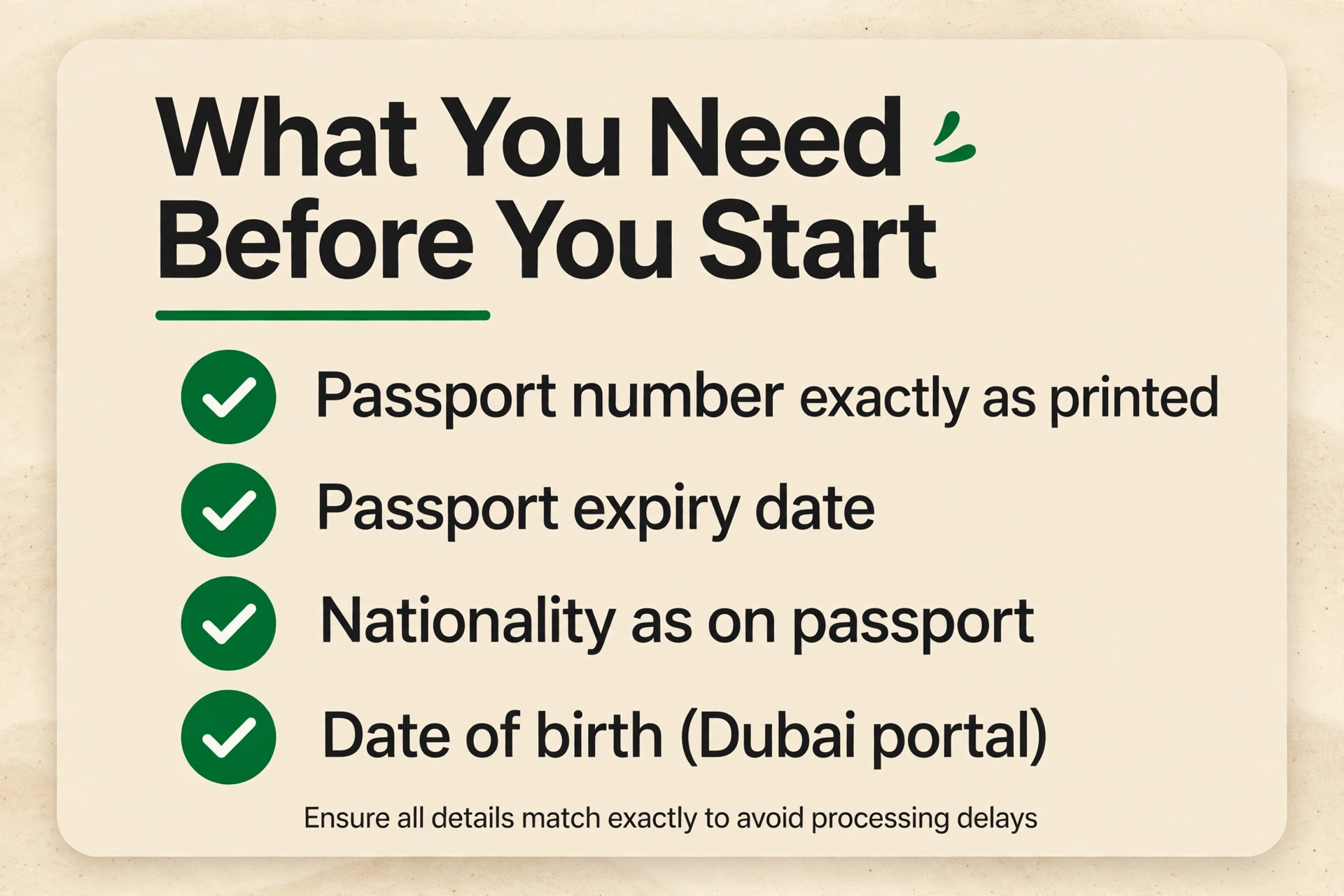
Keep your physical passport in hand. You will need:
- Passport number — entered exactly as printed, including any leading zeros
- Passport expiry date — needed for the ICP portal
- Nationality — exactly as written in your passport (check the dropdown carefully)
- Date of birth — needed for the GDRFA Dubai portal
Dubai or Elsewhere? Pick the Right Portal First
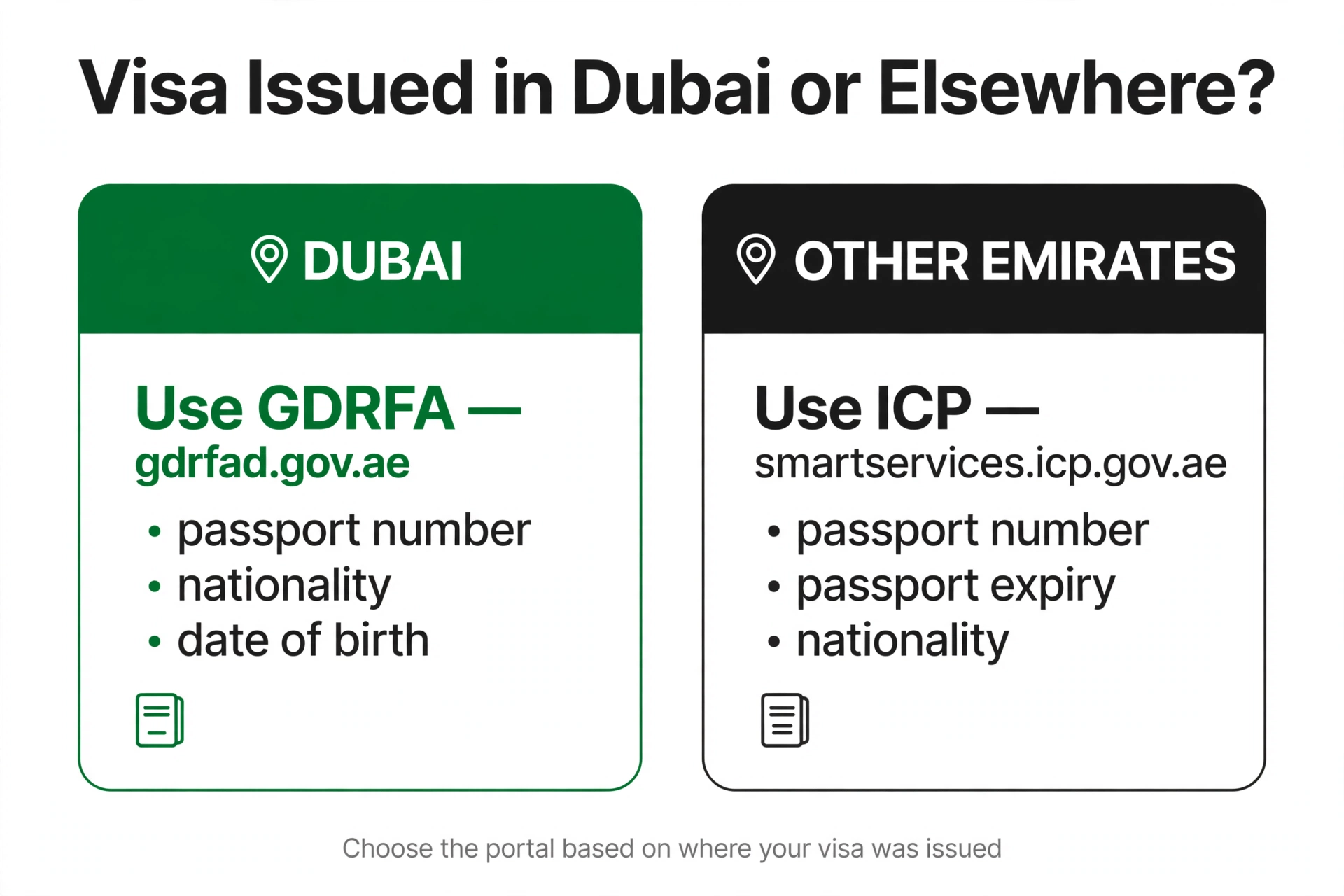
| Visa issued in… | Portal | Fields needed with passport number |
|---|---|---|
| Dubai | GDRFA — gdrfad.gov.ae | Passport number + nationality + date of birth |
| Abu Dhabi, Sharjah, Ajman, UAQ, RAK, Fujairah | ICP Smart Services — smartservices.icp.gov.ae | Passport number + passport expiry date + nationality |
Step-by-Step: ICP Portal (Non-Dubai Visas)
- Go to smartservices.icp.gov.ae and open the File Validity service.
- Select Passport Information as the search method.
- Choose the search type: Visa for entry permits and visit visas, or Residency for residence visas.
- Enter your passport number and passport expiry date — exactly as printed.
- Select your nationality from the dropdown.
- Complete the captcha and click Search.
Your visa details — status, type, issue and expiry dates — appear on screen immediately.
Step-by-Step: GDRFA Portal (Dubai Visas)
- Go to gdrfad.gov.ae and select Visa Status / Visa Status Inquiry.
- Choose the passport-number search option.
- Enter your passport number, nationality, and date of birth.
- Complete the captcha and submit.
Result: your Dubai visa’s status, type and validity dates. GDRFA also offers a Fines Inquiry tool on the same homepage if you need to check overstay fines by passport number.
Prefer a walkthrough of one portal? See our full GDRFA Dubai visa status check guide and ICP Smart Services guide.
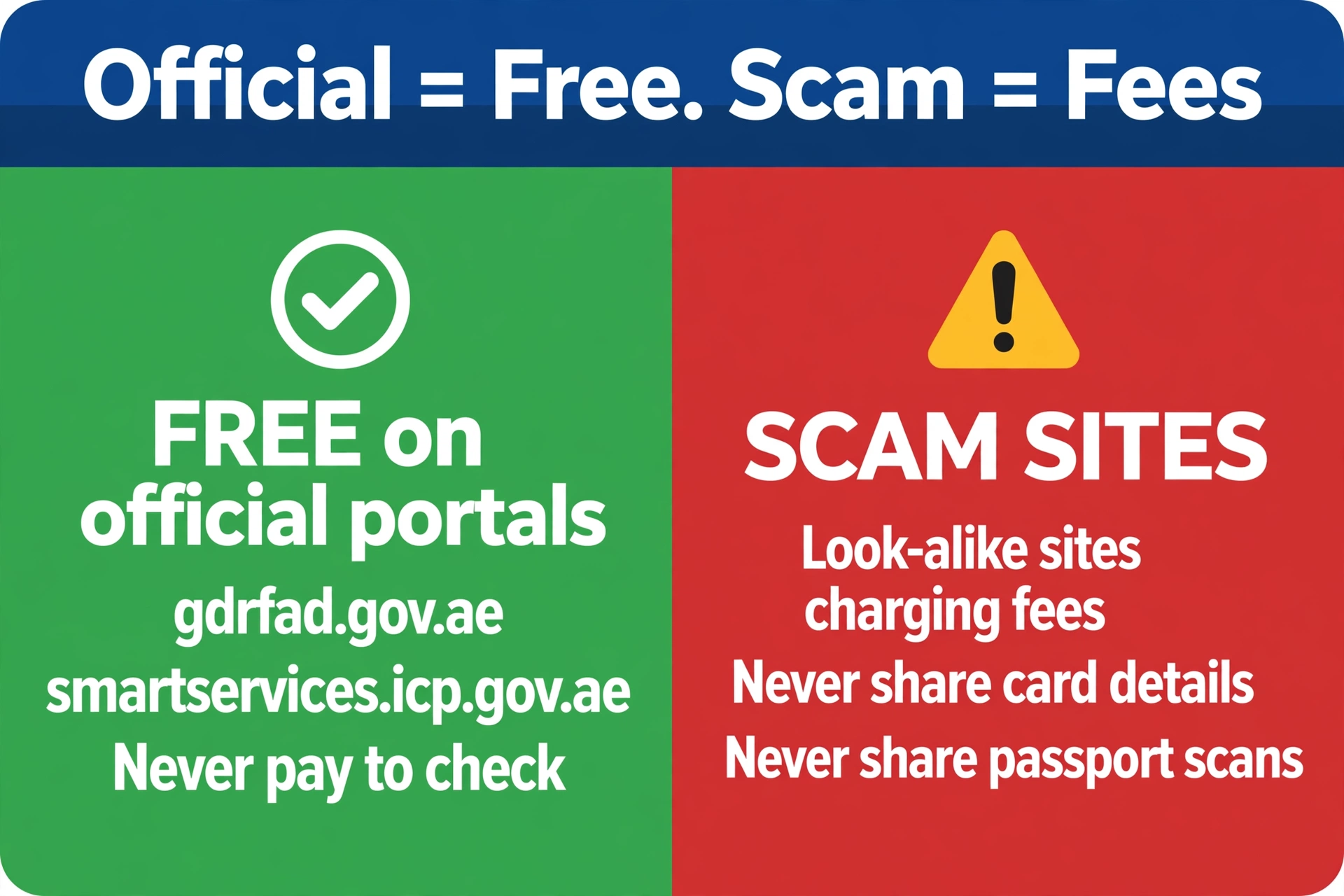
The Check Is Free — Don’t Pay Anyone
Why Your Passport-Number Search Shows “No Record”
- Typo — the most common cause; re-enter every field from the passport itself.
- Wrong portal — a Dubai-issued visa will never appear on ICP, and vice versa. Try the other portal.
- Brand-new visa — allow 24–48 hours for the system to sync after issuance.
- Visa vs Residency — on ICP, entry permits and visit visas need the Visa search type, not Residency.
- Nationality mismatch — the dropdown entry must match your passport exactly.
Reading Your Result: What Each Status Means
Once your passport-number search succeeds, the portal shows a result card. Here is how to read it:
| Status shown | What it means | What to do |
|---|---|---|
| Issued / Valid | Your visa is active and ready to use | Note the expiry date; you are clear to travel or stay |
| Approved | Immigration cleared the application, but the visa is not formally issued yet | Do not fly until the status flips to Issued |
| Under process | The application is still being reviewed | Wait and re-check in a day or two |
| Expired / Cancelled | The visa is no longer valid | Renew, extend, or leave before overstay fines (AED 50/day) pile up |
The result also lists your visa type (tourist, visit, employment, family), issue and expiry dates, and a file number you can reuse for faster searches later.
Can You Check by Passport Number from Abroad?
Yes — both official portals work from any country. You do not need a UAE SIM card, an Emirates ID, a VPN, or a UAE Pass account. This makes the passport-number check the go-to option for confirming a visit visa before you board your flight — many airlines and travellers run it as a final pre-departure verification.
Do You Need Your Emirates ID?
No. The passport-number method deliberately avoids Emirates ID: on ICP you use passport number + expiry + nationality; on GDRFA, passport number + nationality + date of birth. If you do have an Emirates ID, both portals also accept it as a search method, but it is never required.
When the Passport-Number Check Matters Most
This method earns its keep in specific moments:
- Before booking flights — confirm a visit visa is Issued, not merely Approved, before you pay for non-refundable tickets
- After a renewal — verify the new expiry date landed correctly in the system
- When the visa copy is missing — agents, sponsors or hotels sometimes delay sending the PDF; the passport check does not need it
- Job changes — confirm a cancelled employment visa actually shows as cancelled before your new employer files
Frequently Asked Questions
Can I check my UAE visa status with only my passport number?
Yes. On ICP, add your passport expiry date and nationality. On GDRFA Dubai, add your nationality and date of birth. No visa copy or file number is required.
What details do I need for a passport-number check on ICP?
Passport number, passport expiry date, and nationality — entered via the Passport Information search on the File Validity service at smartservices.icp.gov.ae.
What details do I need for a passport-number check on GDRFA?
Passport number, nationality, and date of birth on the Visa Status Inquiry at gdrfad.gov.ae. This works for Dubai-issued visas only.
My passport number search shows no record — what now?
Re-enter every field directly from your passport, try the other portal (Dubai vs other emirates), and allow 24–48 hours if the visa was just issued. Also confirm you picked Visa vs Residency correctly on ICP.
Can I check my visa status by passport number from abroad?
Yes — both official portals work from anywhere in the world. No UAE SIM card or VPN needed.
Is the passport-number visa check free?
Yes. The passport-number search is free on both official portals. Never pay a third-party site for it.
Can I check someone else’s UAE visa status with their passport number?
The portals are public tools, so technically anyone with the passport details can run the check — which is why you should never share your passport details with unofficial sites or strangers.
Do I need my Emirates ID to check by passport number?
No. A passport-number check needs only passport details (plus nationality and either expiry date or date of birth, depending on the portal).
More visa-status guides: UAE Visa Status: Full Guide · GDRFA Dubai Check · ICP Smart Services Check · Travelling to Dubai? Nol Card for Tourists · Check Nol Balance · Recharge Nol
Pingback: GDRFA Dubai Visa Status Check (2026)
Pingback: ICP Smart Services Visa Status Check