
For visas issued anywhere in the UAE except Dubai — that is, Abu Dhabi, Sharjah, Ajman, Umm Al Quwain, Ras Al Khaimah and Fujairah — the official way to check your visa status is ICP Smart Services, run by the Federal Authority for Identity, Citizenship, Customs & Port Security.
The tool you want is called File Validity. It is free, works from anywhere in the world, and tells you your visa or residency status in seconds — including the all-important issue and expiry dates you will need for renewals, job changes and travel plans. Here is how to use it properly.
What You Need
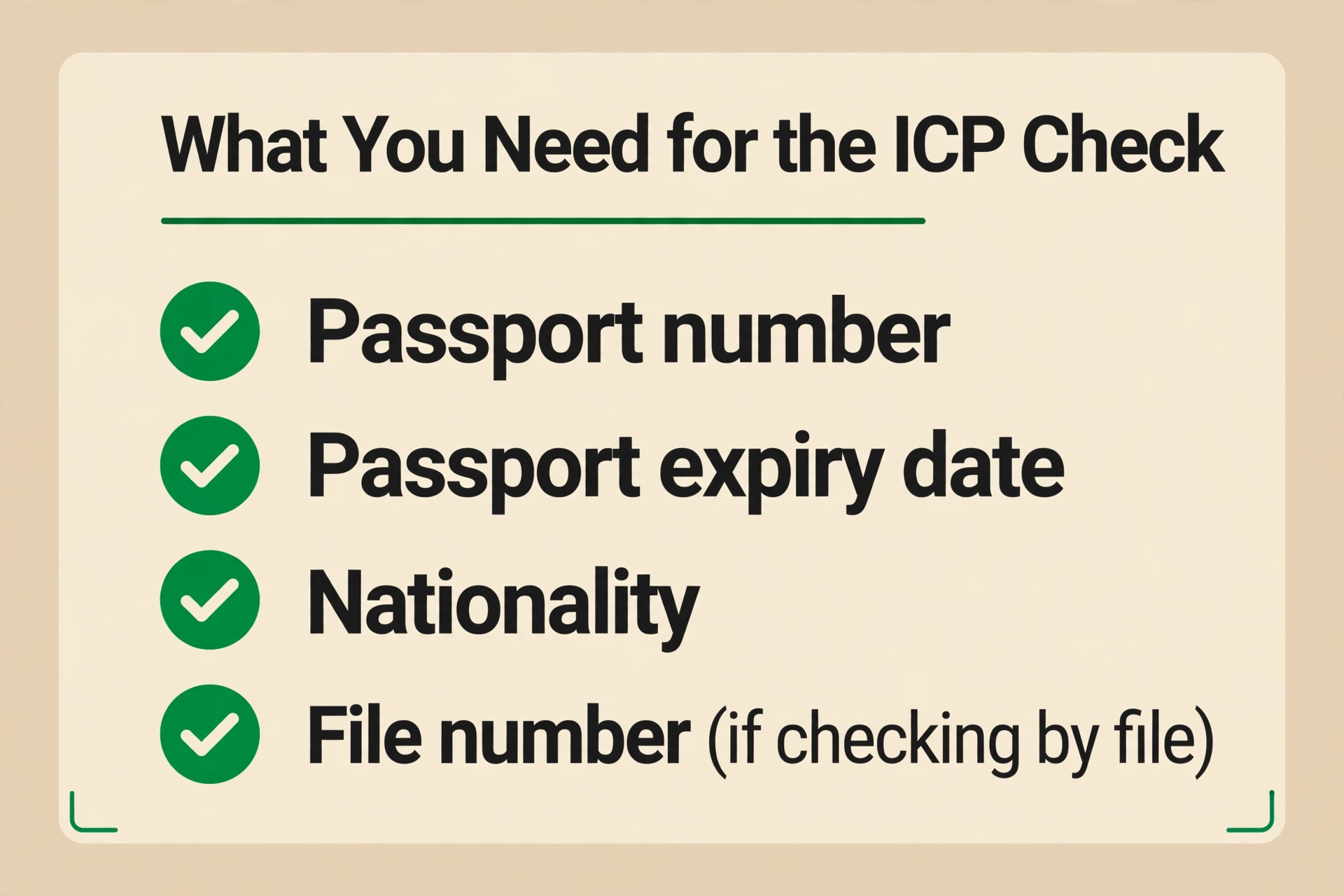
- Passport number — exactly as printed
- Passport expiry date — as printed
- Nationality — as written in your passport
- File number — only if you choose the file-number search instead of passport information
Step-by-Step: The File Validity Check
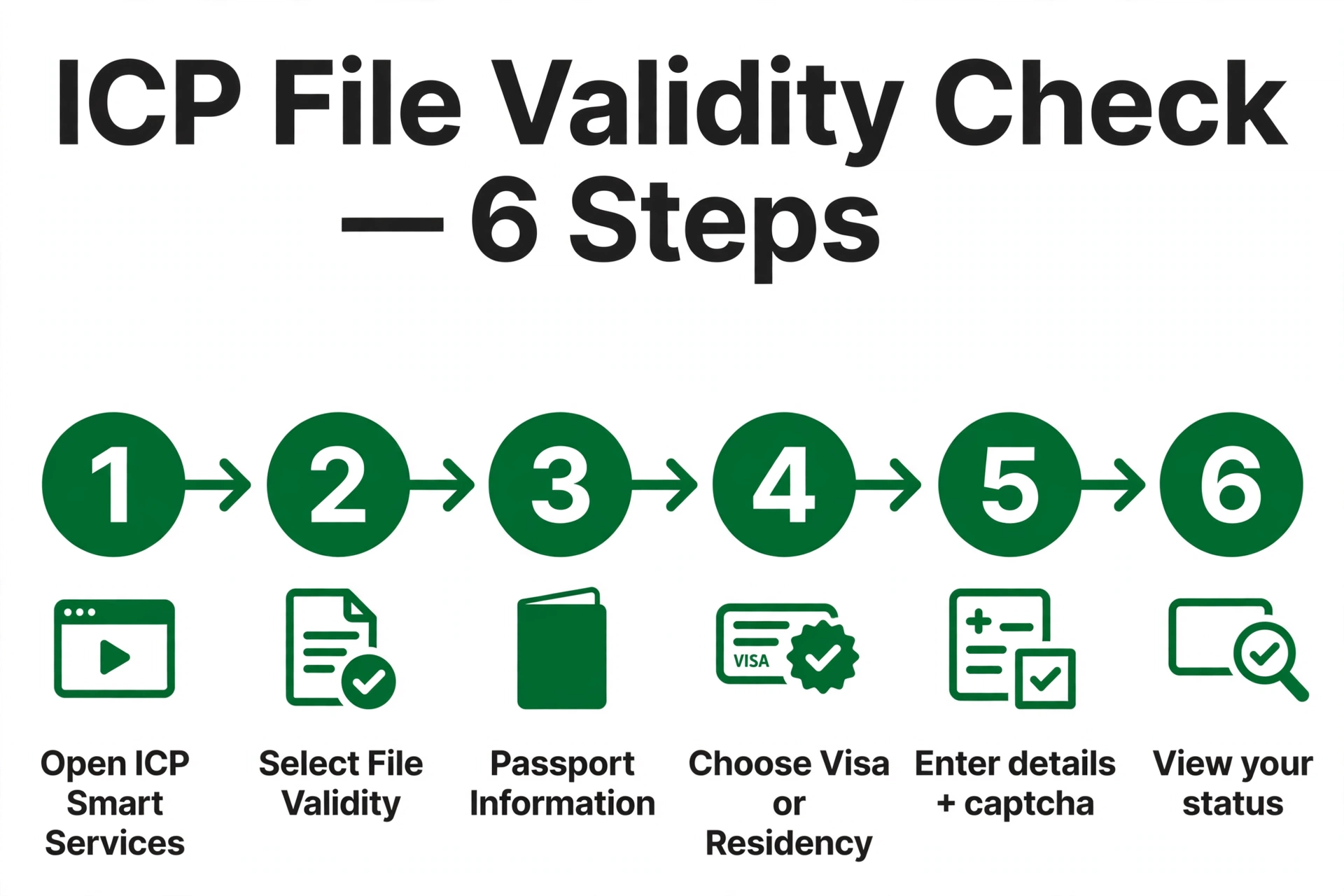
- Open smartservices.icp.gov.ae — the official ICP Smart Services portal.
- Find the File Validity service.
- Choose your search method: Passport Information or File Number.
- Choose the search type: Visa (entry permits and visit visas) or Residency (residence visas). Picking the wrong one is a classic cause of “no record found”.
- Enter your details — passport number, passport expiry date and nationality (or your file number) — then complete the captcha.
- Click Search and read your result: status, visa type, issue date and expiry date.
Faster for Residents: UAE Pass Login
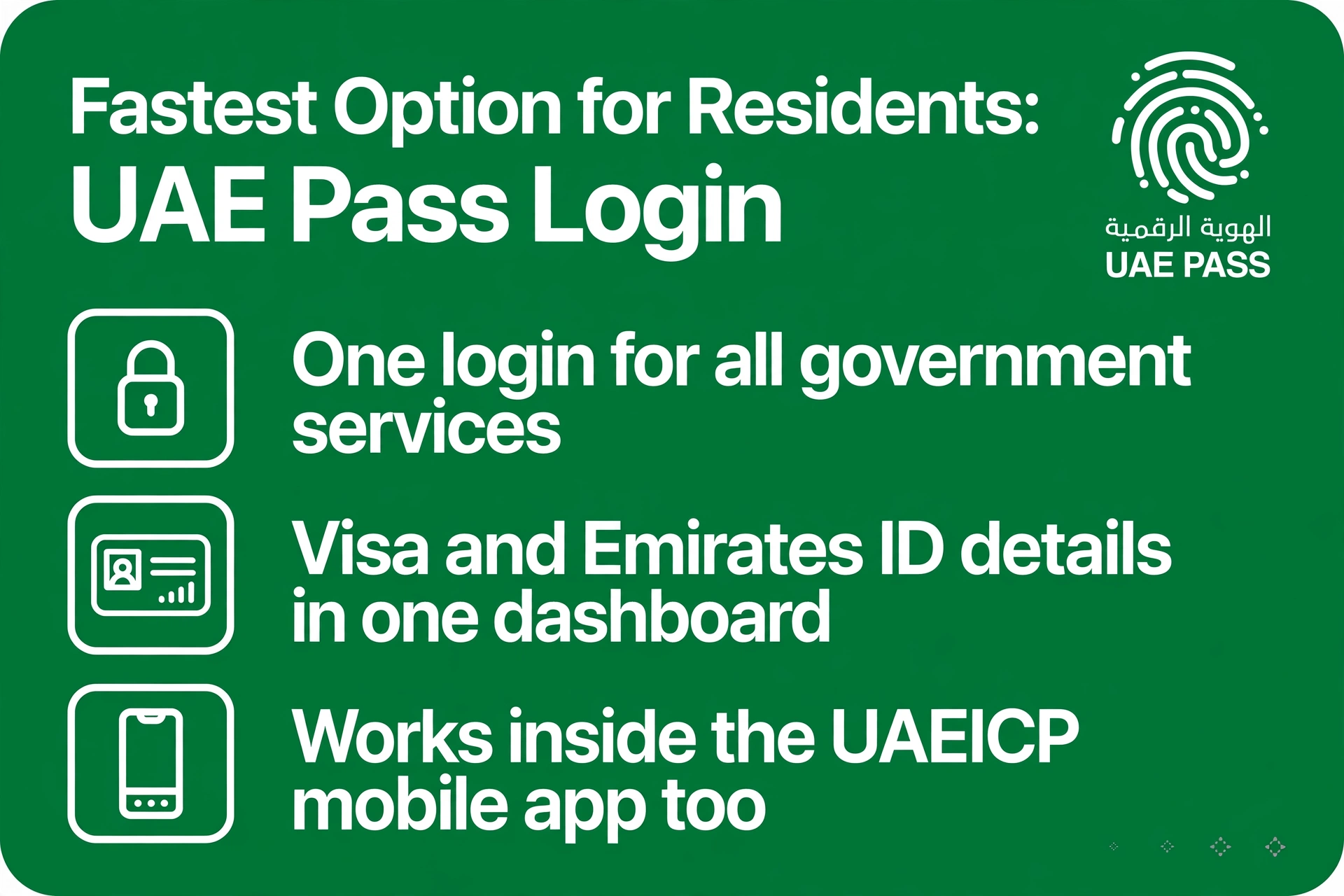
If you are a UAE resident with a UAE Pass account, log in to ICP Smart Services with it. Your visa and Emirates ID details pull into one dashboard automatically — no typing passport numbers, no captcha, no forms at all. The same works inside the UAEICP mobile app.
ICP vs GDRFA: Quick Reminder
| Use ICP Smart Services for… | Use GDRFA Dubai for… |
|---|---|
| Visas issued in Abu Dhabi, Sharjah, Ajman, Umm Al Quwain, Ras Al Khaimah, Fujairah | Visas issued in Dubai |
| smartservices.icp.gov.ae | gdrfad.gov.ae |
| ICP helpline: 600 52 2222 | Amer helpline: 800 5111 |
For a side-by-side walkthrough of both portals, see our full UAE visa status guide, our passport-number guide, and our GDRFA Dubai guide.
Troubleshooting: “No Record Found”
- Typo — re-enter passport number, expiry date and nationality directly from your passport.
- Wrong portal — Dubai-issued visas never appear on ICP; use GDRFA instead.
- Wrong search type — make sure you selected Visa vs Residency to match your document.
- Brand-new visa — allow 24–48 hours after issuance for the system to sync.
On the Go: The UAEICP Mobile App
The UAEICP app (iOS and Android) brings File Validity to your phone. Log in with UAE Pass for the smoothest experience — your visa and Emirates ID records appear in one dashboard with no manual form-filling and no captcha.
What the ICP Result Shows
A successful File Validity search returns your visa or residency status (Issued/Valid, Approved, Expired, Cancelled), visa type, issue and expiry dates, and your file number. The file number is worth saving — future checks by file number are faster than re-typing passport details every time.
More Than Visas: Other ICP Smart Services
While you are on the portal, note that ICP Smart Services covers far more than status checks:
- Emirates ID — new applications, renewals and status tracking
- Residence visa — issuance, renewal and cancellation
- Entry permits — applications and tracking
- Citizenship and passport services for UAE nationals
Stuck on any of these? The ICP helpline is 600 52 2222.
Common Mistakes to Avoid
- Using the wrong portal — Dubai-issued visas will never appear on ICP; non-Dubai visas never appear on GDRFA
- Choosing the wrong search type — Visa for entry permits and visit visas, Residency for residence visas
- Typing from memory — always copy passport number and expiry date from the document itself
- Checking too soon — a visa issued minutes ago may need up to 48 hours to appear
- Ignoring the captcha — the search will not run without it
Is the ICP Check Really Free?
Yes — completely. The File Validity service costs nothing on smartservices.icp.gov.ae, and no account is needed for a basic check. Treat any website charging a fee for a “visa status check” as a scam, and never enter payment details or upload passport scans outside the official .gov.ae domains.
Keeping Your Visa Details Organised
A two-minute check today saves a scramble later. Save a screenshot or PDF of each successful result — it is your proof of validity if an airline, hotel or employer ever asks. Note your file number and expiry date in your phone, and set a reminder two weeks before expiry so renewals never become fines. Pair this habit with our full UAE visa status guide and you will never be caught out by an expired visa again.
Frequently Asked Questions
How do I check my visa status on ICP Smart Services?
Open smartservices.icp.gov.ae, select the File Validity service, choose Passport Information or File Number, pick Visa or Residency, enter your details, complete the captcha and click Search. The check is free.
Which emirates does ICP Smart Services cover?
Abu Dhabi, Sharjah, Ajman, Umm Al Quwain, Ras Al Khaimah and Fujairah — every emirate except Dubai, which uses GDRFA instead.
What is the File Validity service on ICP?
It is ICP’s free online tool for checking the status and validity of UAE visas and residency files — your one-stop check for entry permits, visit visas and residence visas issued outside Dubai.
Should I select Visa or Residency on the ICP check?
Select Visa for entry permits and visit/tourist visas, and Residency for residence visas. Picking the wrong type is a common cause of “no record found”.
Can I log in to ICP with UAE Pass?
Yes. UAE Pass login is the fastest option for residents — your visa and Emirates ID details load into one dashboard with no manual entry, and it works in the UAEICP mobile app too.
Is the ICP visa status check free?
Yes — completely free on the official portal. Any site charging a fee is not official.
What is the ICP helpline number?
600 52 2222 — for questions the online File Validity tool cannot resolve.
Can I use the ICP check from outside the UAE?
Yes. smartservices.icp.gov.ae is accessible worldwide — no UAE SIM card, VPN or Emirates ID needed for a basic status check.
More visa-status guides: UAE Visa Status: Full Guide · Check by Passport Number · GDRFA Dubai Check · Landing in Dubai? Metro Airport Guide · Nol Card for Tourists
Pingback: UAE Golden Visa Status Check (2026)