
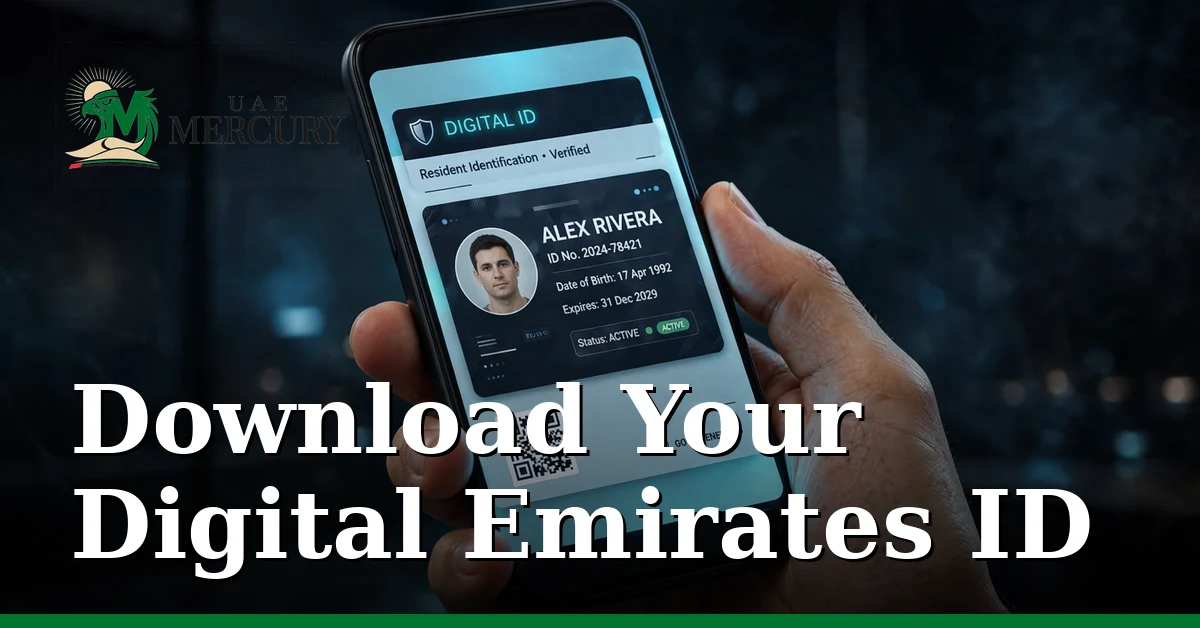
You don’t need the plastic card in your wallet to prove who you are. The digital Emirates ID — available in the UAE Pass app and the UAEICP app — carries the same legal validity as the physical card for most federal government services and many private ones, including banks and telecoms. You can even download it as a PDF.
This guide shows the three official ways to get your digital ID, where it is accepted, and how to print a valid copy.
Method 1: UAE Pass App (PDF Download)
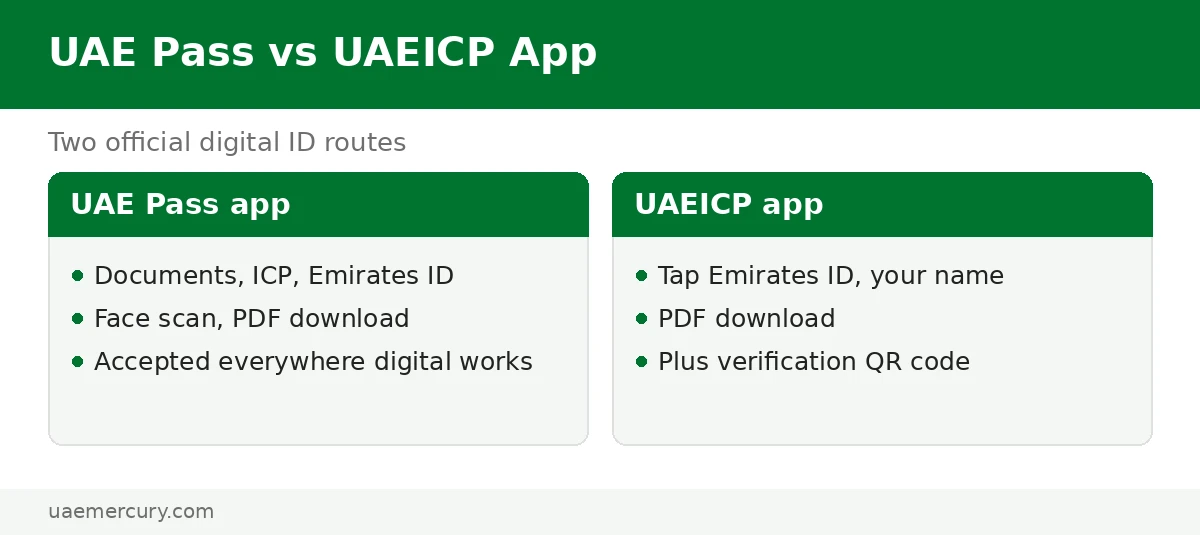
- Install UAE Pass and complete verification (Emirates ID + face scan) if you haven’t already.
- Open Documents → find the ICP section → tap Emirates ID.
- Complete the face scan when prompted to verify it is you.
- Download the PDF — your official digital ID, ready to save, share or print.
Method 2: UAEICP App
- Open the UAEICP app and log in with UAE Pass.
- Tap Emirates ID, then tap your name.
- Choose the PDF download option to save the digital copy.
- The app can also generate a verification QR code that others can scan to confirm your ID is genuine.
Method 3: ICP Website Soft Copy
On icp.gov.ae, the Emirates ID services include a soft-copy request: log in with UAE Pass, select your ID, and download the digital version. Useful if you prefer doing it on a desktop before printing.
Where the Digital ID Is Accepted
| Accepted | Notes |
|---|---|
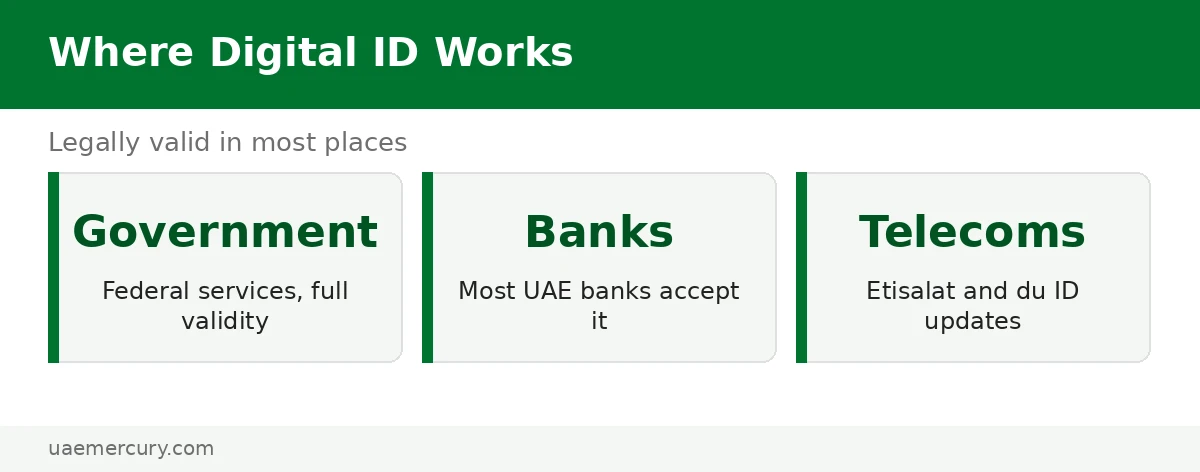
| Federal government services | Full legal validity across ICP and federal portals |
| Banks | Most UAE banks accept it for account operations |
| Telecoms (Etisalat, du) | Accepted for SIM registration and ID updates |
| While card is in process | Use it during renewal or replacement waits |
Keeping Your Digital ID Secure
Your digital Emirates ID is as sensitive as the physical card — treat the PDF accordingly:
- Don’t share the PDF casually — send it only to verified recipients (banks, government portals, your employer) through secure channels.
- Use the QR code for in-person verification instead of handing over the full PDF where possible.
- Lock your phone — the UAEICP and UAE Pass apps hold your full identity; enable biometric app lock and keep the apps updated.
- Delete forwarded copies from email and chat apps after the recipient confirms receipt.
Watch: Video Walkthrough
A visual run-through of the process:
Frequently Asked Questions
How do I download my Emirates ID as a PDF?
In the UAE Pass app: Documents → ICP section → Emirates ID → face scan → download the PDF. Or in the UAEICP app: tap Emirates ID → your name → PDF download. Both are official and free.
Can I get my Emirates ID online without the physical card?
Yes — the digital Emirates ID in UAE Pass or the UAEICP app is available as soon as your application is approved, even before the physical card is delivered. It is legally valid for most government services.
Is the digital Emirates ID legally valid?
Yes, for most federal government services and many private providers including banks and telecoms. A few specific processes may still ask for the physical card, so keep the plastic one once it arrives.
How can I know my Emirates ID number from my mobile?
Open your digital ID in the UAE Pass or UAEICP app — the full 15-digit number (784-…) is displayed. You can also find it on any ICP application receipt or SMS.
What is the UAEICP app?
The official mobile app of the Federal Authority for Identity, Citizenship, Customs & Port Security (ICP). It handles Emirates ID applications, renewals, tracking, fine checks and the digital ID — log in with UAE Pass.
Can I print my digital Emirates ID?
Yes — download the PDF from UAE Pass or the UAEICP app and print it. The printout, especially with the verification QR code, is accepted at most counters that ask for an ID copy.
Does the digital ID work for travel?
For airport eGates/Smart Gates the physical card or passport is the norm — don’t rely solely on the phone at immigration. For everything else (banks, telecoms, government counters), the digital version is widely accepted.
Is it safe to share my digital Emirates ID PDF?
Share it only with verified recipients — banks, government portals and your employer — through secure channels. For in-person checks, the UAEICP app’s verification QR code is safer than handing over the full PDF.
What if I lose my phone with the digital ID?
Your identity isn’t lost — the digital ID lives in your UAE Pass / UAEICP account, not on the device. Sign in on a new phone to restore access. As a precaution, remotely lock or wipe the lost phone and change your UAE Pass credentials.
Emirates ID guides: Complete Guide · Status Check · Lost Card Replacement · Renewal · Etisalat ID Update
Pingback: How to Update Emirates ID on Etisalat
Pingback: Emirates ID Status Check Online (2026)
Pingback: Emirates ID Tracking: Application Status