
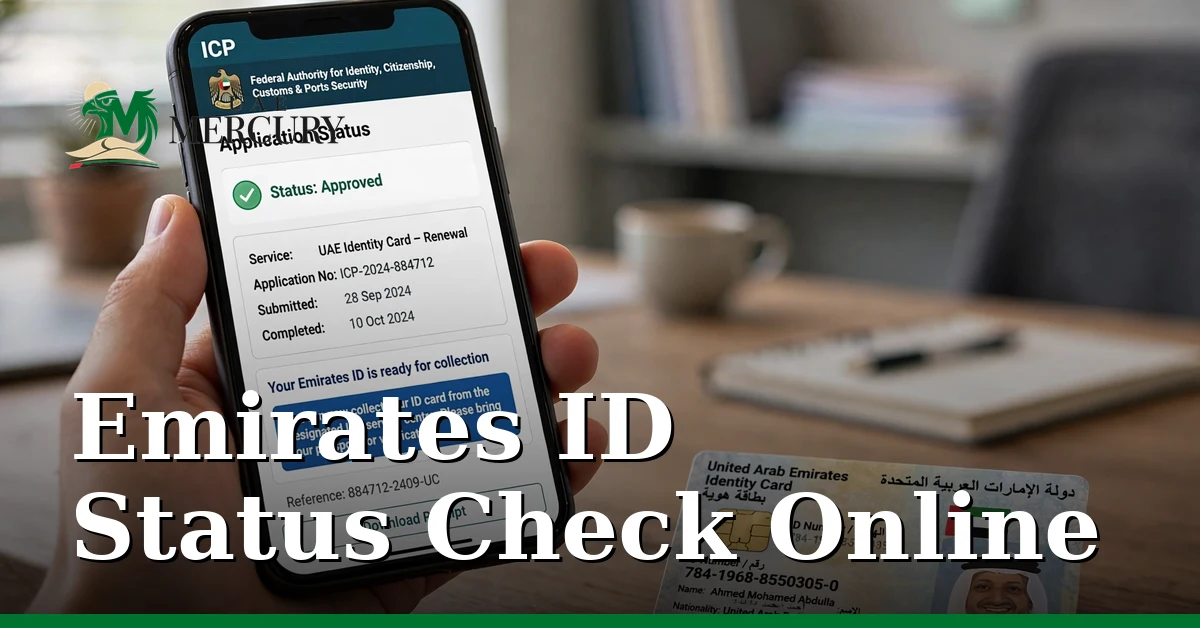
An Emirates ID status check tells you whether your card is valid, when it expires, and — for new applications — how far along the process is. The check is free, takes about two minutes, and works on the official ICP portal with your ID number, PRAN, or even just your passport details.
This guide covers every method: ICP’s ID Card Status service, the UAEICP app, checking with a passport number, and what each status actually means.
Method 1: ICP ID Card Status (Website)
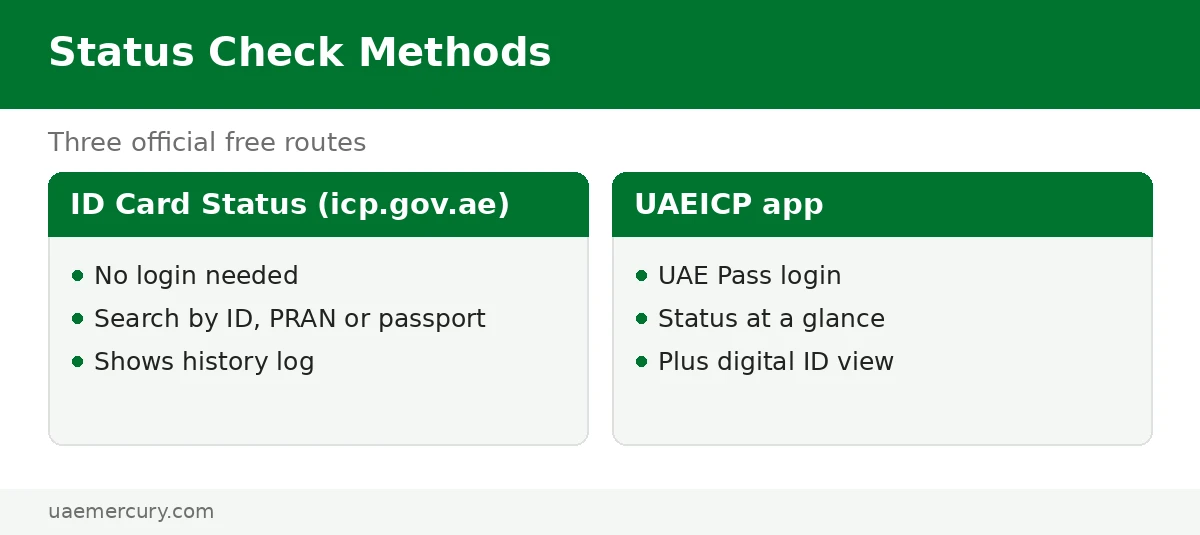
ICP’s ID Card Status service on icp.gov.ae is the primary way to check:
- Go to icp.gov.ae → Public Services → ID Card Status.
- Choose your search key: PRAN (for new applications), Emirates ID number (the 15-digit 784-… number), or passport number.
- Enter the details exactly as on your documents and complete the captcha.
- Read the result — a popup shows your application/card status plus an application history log with submission, printing and dispatch dates.
No login is needed for a basic status check. For a new application, tracking with your PRAN gives the most detail.
Method 2: UAEICP App
- Open the UAEICP app and log in with UAE Pass.
- Go to Public Services → Application Tracking.
- Enter your request/PRAN number to see the live status.
The app also shows your digital Emirates ID with its expiry date at a glance — the fastest “is my card still valid?” check of all.
Method 3: Check with Your Passport Number
Don’t have your ID number handy? On ICP’s ID Card Status you can search by passport number instead — useful when your physical card is lost and you need the details for a replacement application. Enter the passport number exactly as printed, including any leading zeros.
What Each Status Means
| Status | Meaning | What to do |
|---|---|---|
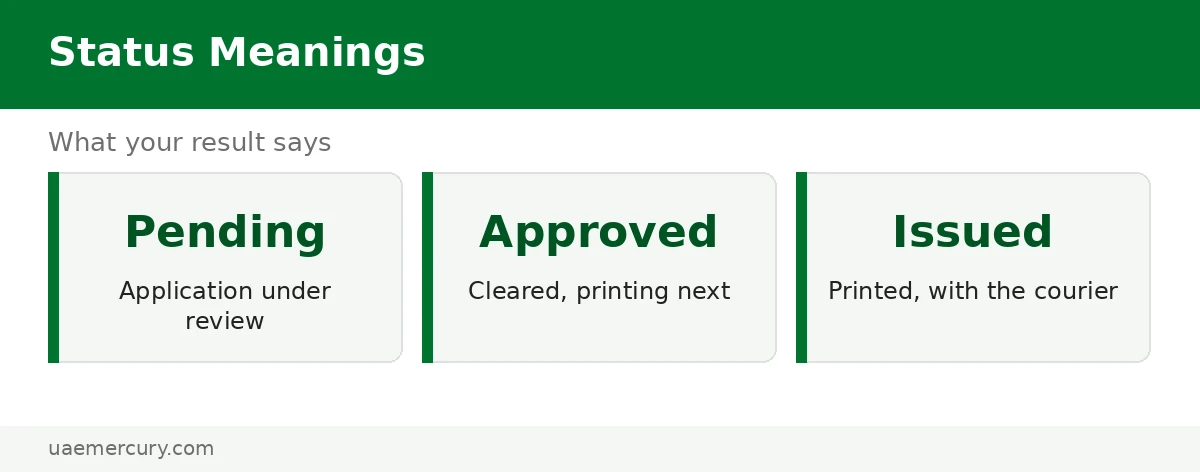
| Pending | Application received, not yet approved | Wait; check again in 24–48 hours |
| Approved | Application cleared; card going to print | Nothing — printing starts automatically |
| Issued / Printed | Card printed and dispatched via Emirates Post | Expect delivery in a few working days |
| Valid | Card active (for existing cards) | Note the expiry date; renew up to 6 months early |
| Rejected | Application refused — reason shown | Fix the issue (often the photo) and reapply |
Beyond Validity: What Else You Can Check with Your ID
Your Emirates ID number unlocks several other official checks:
- Fines — traffic, immigration and late-renewal fines via ICP Fines Inquiry: fine check guide
- Visa status — check a visa using the Emirates ID number on GDRFA (Dubai) or ICP File Validity: visa status by Emirates ID
- Medical insurance status — insurers and the DHA/MOH portals verify your policy against your ID number
- Case inquiry — court case status via your ID number on the Ministry of Justice portal
Frequently Asked Questions
How can I check if my Emirates ID is valid or not online?
Use ICP’s ID Card Status service on icp.gov.ae with your 15-digit Emirates ID number — no login needed. It shows whether the card is valid plus the expiry date. The UAEICP app shows the same at a glance after UAE Pass login.
How do I check my Emirates ID status with my passport number?
On ICP’s ID Card Status page, choose the passport-number search option and enter your passport number exactly as printed. This is handy when your physical card is lost and you need your ID details.
Is Emirates ID status checked on ICP or GDRFA?
Always ICP — Emirates ID services (status, tracking, renewal, replacement) are federal and run by ICP in all seven emirates. GDRFA handles Dubai visas only.
What does “Issued” mean on my Emirates ID status?
Your card has been printed and dispatched through Emirates Post. Expect delivery within a few working days, and collect it promptly — uncollected cards can be returned to ICP.
Can I check my Emirates ID status without the application number?
Yes — if you have the physical card, use the 15-digit ID number; if not, the passport-number search works. The PRAN is only required for tracking a brand-new application in detail.
How do I check my medical insurance status with my Emirates ID?
Insurers verify policies against your Emirates ID number — check with your insurer’s portal or app, or the DHA (Dubai) / MOH (other emirates) e-services, entering your ID number to confirm active coverage.
Why does my Emirates ID check show no record found?
Usually a typo in the entered number, using the GDRFA portal instead of ICP, or a brand-new application that hasn’t synced yet (allow 24–48 hours). Double-check the 15-digit number character by character.
Is the Emirates ID status check free?
Yes — checking your Emirates ID status on icp.gov.ae or the UAEICP app is completely free. Never pay a third-party site for it.
Emirates ID guides: Complete Guide · Track Application · Fine Check · Renewal · Digital ID · Visa help: Visa Status by Emirates ID · Residence Visa Status