
Lost your Nol card? Sitting on unused balance before leaving Dubai? Or just want to see where your money went? This guide covers the three things every Nol cardholder eventually needs: checking your travel and transaction history, getting a refund of your remaining balance, and recovering money from a lost, stolen or expired card.
The single most important fact first: only registered or Personal (Blue) cards can be refunded or recovered. An anonymous Silver or Gold card that isn’t linked to your Emirates ID is treated like cash — lose it, and the balance is gone.
How to Check Your Nol Card Travel History
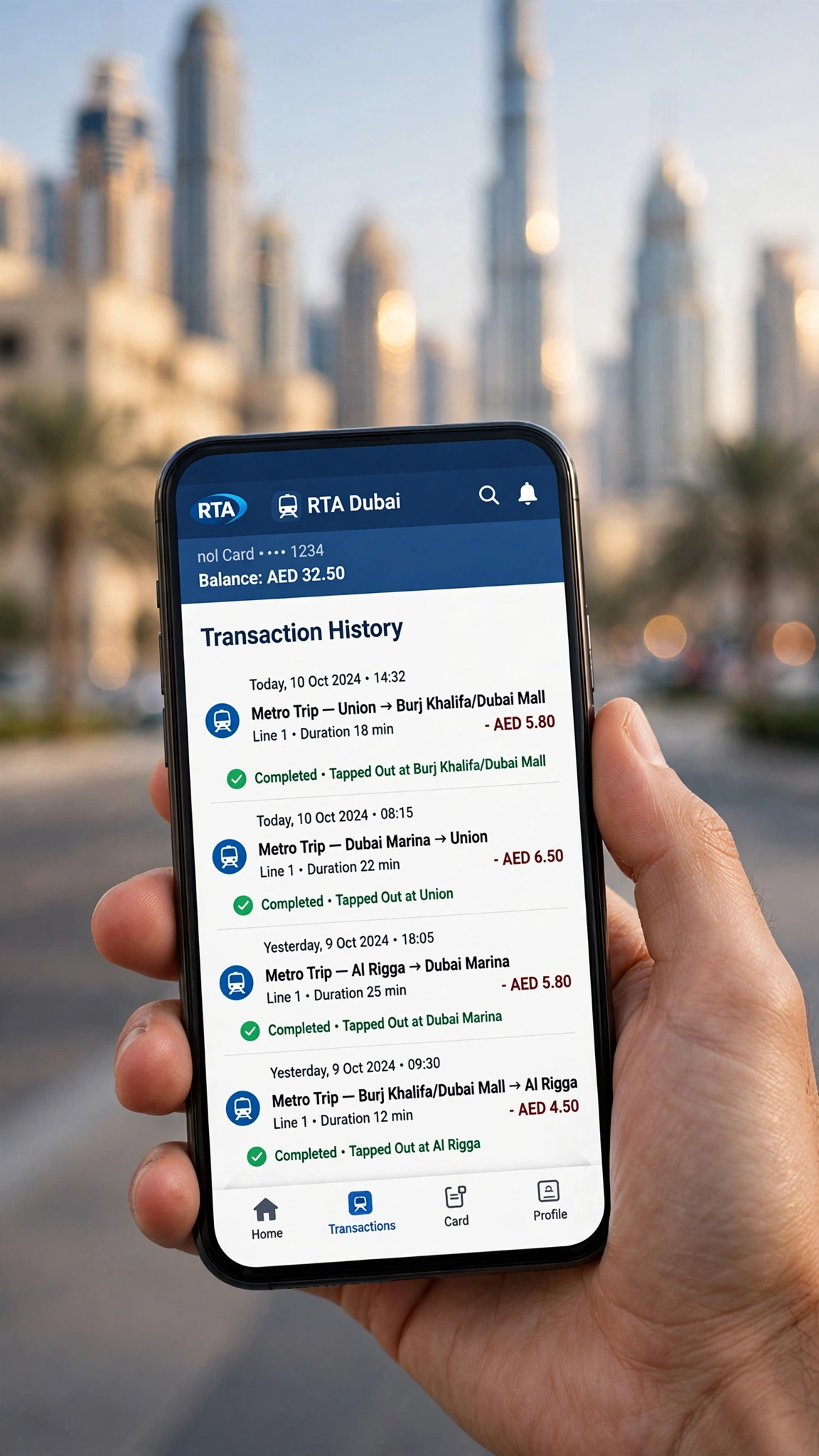
Your travel history shows every tap — metro, bus, tram and parking deductions — with dates and amounts.
Method 1: RTA Website (all cards)
- Go to rta.ae.
- Public Transport → Nol Cards and Services → Nol Card Transaction History.
- Enter your 10-digit Nol Tag ID and click Next.
- Your recent transactions appear on screen.
Method 2: Nol Pay App (registered cards)
Registered/personalised cards show a richer history — up to a month of trip history — plus balance, expiry date and pending credit. Tip: personalising a Silver or Gold card (AED 30, linked to your Emirates ID) unlocks the full one-month trip history.
Nol Card Refunds: The Rules
| Situation | Registered / Blue card | Anonymous Silver/Gold | Red Ticket |
|---|---|---|---|
| Cash refund | Yes — under AED 100 in cash (2.5% fee or AED 5, whichever is higher) | No | No |
| Balance transfer to a new card | Yes — over AED 100 transferred free | No | No |
| Refund unused travel pass | Yes — pro rata | No | No |
| Refund after expiry | Yes — balance stays claimable | No | No |
| Card purchase fee returned? | No — the AED 6 issuance fee is never refunded | ||
How to Request a Refund
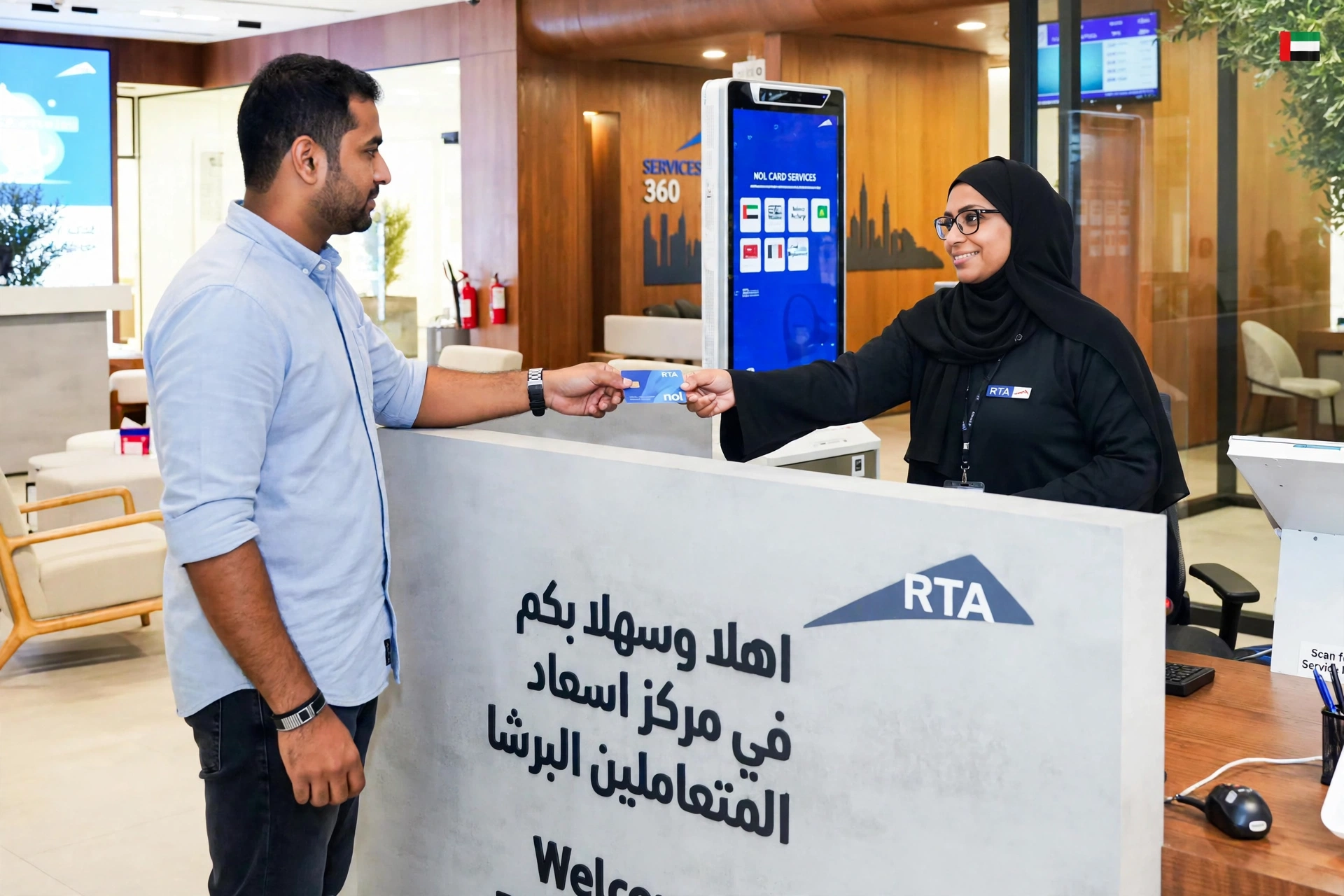
Online (rta.ae): sign in → Nol refund service → enter card number and registered mobile → choose cash or balance transfer → submit. SMS confirmation when approved (usually within 4 working days).
In person: any RTA Customer Happiness Centre with your Emirates ID and the card. Blue card holders can also start in the Nol Pay app.
Deadlines: collect approved cash refunds within 30 days. Activate transferred balances within 180 days (tap at a metro gate, parking meter or top-up machine).
Lost or Stolen Card: Registered Cards
- Report it immediately — Nol Pay app, rta.ae, any metro ticket office, or call 800 90 90. You’ll need your 10-digit Tag ID and the 4-digit PIN from registration SMS.
- The card is blocked within 48 hours.
- Apply for a replacement on rta.ae — replacement fee AED 70.
- Balance transfer is free — approved in ~4 working days, delivered to your registered address.
- Activate it by tapping at a metro gate, parking meter or top-up machine.
Lost Card: Unregistered Cards
Blunt truth: an unregistered Silver or Gold card cannot be blocked, refunded or recovered. This is the strongest reason to personalise your card for AED 30 — it also lifts your max balance from AED 1,000 to AED 5,000 and earns double Nol Plus loyalty points.
Card Expiry & Renewal
- Silver/Gold: valid 5 years. Registered cards can still be refunded after expiry; balance stays spendable for 2 years.
- Blue Personal: renew via RTA with Emirates ID.
- Red Ticket: 90 days or 10 trips — never refundable.
Check expiry anytime with our Nol card balance check guide.
Leaving Dubai? Your Cash-Out Checklist
- Check balance and history via rta.ae or Nol Pay app.
- Card registered? Request the refund online — approval takes ~4 working days, don’t leave it to the last day.
- Under AED 100? Cash (minus fee). Over AED 100? Transfer to a new registered card.
- Anonymous card? Spend the balance down — taxis, parking, retail. It can’t be refunded.
- Final week top-ups: small amounts via the Nol Pay app (from AED 5).
Watch: Recovering a Lost Nol Card Balance
Frequently Asked Questions
How do I check my Nol card travel history?
On rta.ae: Public Transport → Nol Cards and Services → Nol Card Transaction History, enter your 10-digit Tag ID. Registered cards also show a month of history in the Nol Pay app.
Can I get a refund on my Nol card balance?
Only on registered/Personal (Blue) cards. Under AED 100: cash (2.5% fee or AED 5 min). Over AED 100: free transfer to a new registered card. Anonymous cards and Red Tickets: no refund.
What happens if I lose my Nol card?
Registered: report immediately (app, rta.ae, ticket office, 800 90 90) — blocked, balance transfers free to a replacement (AED 70 fee). Unregistered: balance cannot be recovered.
How long does a Nol refund take?
~4 working days for approval. Collect cash within 30 days; activate transfers within 180 days.
Can I refund an anonymous Silver Nol card?
No. Register a Silver/Gold card for AED 30 before you need a refund — it can’t be done retroactively after loss.
Is a Red Ticket refundable?
No — it holds trips, not credit; unused trips lapse after 90 days.
Do I get the card purchase fee back too?
No — refunds cover stored credit only; issuance and registration fees are never returned.
Can I transfer my balance to another card instead of cashing out?
Yes — free, and the better option if you’re staying in Dubai. Activate by tapping the new card at any metro gate.
What is the Nol card replacement fee?
AED 70 for a replacement card. The balance transfer itself is free.
Can I recover balance from an expired Nol card?
Registered cards: yes — refundable/transferable even after expiry, balance spendable for 2 years. Anonymous: no.
Last updated: October 2026.