
Yes, you can carry your Nol card on your phone — but only on certain phones. Dubai’s RTA supports digital Nol cards on Samsung and Huawei devices through the Nol Pay app, letting you tap through metro gates with your phone instead of plastic. iPhone owners, however, are still waiting: as of 2026 there is no Apple Wallet support for Nol cards, and no legitimate workaround exists.
This guide covers exactly which devices work, step-by-step setup for Samsung and Huawei, what iPhone users can (and can’t) do — and the one warning you must read before digitising: converting a physical card permanently kills the plastic.
Which Devices Support a Digital Nol Card? (2026)
| Device | Digital Nol card | Read & top up a physical card |
|---|---|---|
| Compatible Samsung phones | Yes — via Samsung Wallet / Nol Pay | Yes |
| Compatible Huawei phones | Yes — via Huawei Wallet / Nol Pay | Yes |
| Huawei Watch 3 / 3 Pro | Yes | Yes |
| Other Android phones | No | Yes (NFC top-up from AED 5) |
| iPhone | No | Yes — Nol Pay app reads & tops up via NFC |
| Apple Watch | No | No |
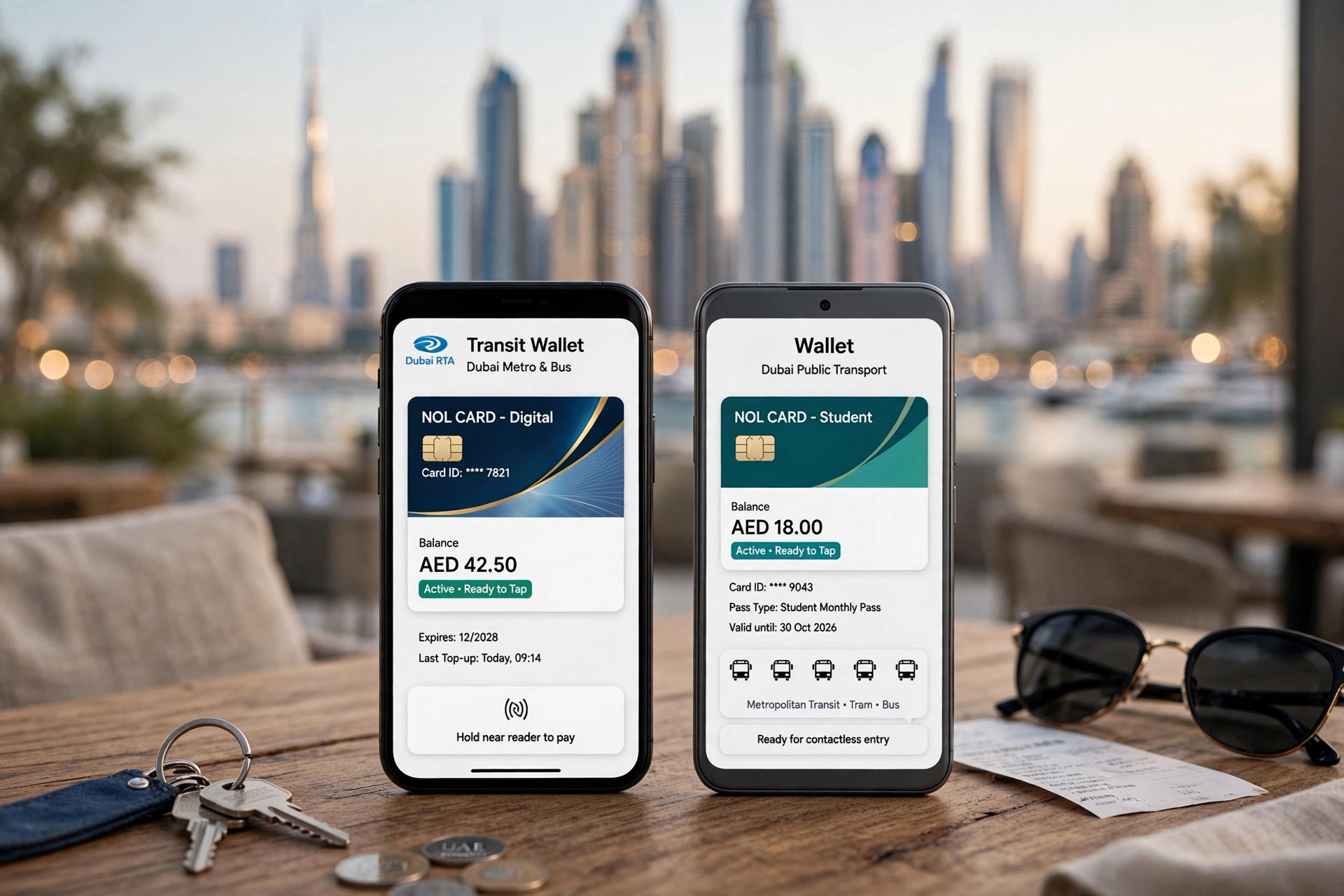
Important: RTA certifies specific handset models, not every phone a brand sells. The Nol Pay app is the authority — if your device can be issued a digital card, the option appears in the app. Requirements generally include a recent Android version, the latest Samsung Wallet, and NFC hardware.
How to Digitise Your Nol Card on Samsung
- Open Samsung Wallet → All → Transit Cards.
- Choose Nol Card and follow the guided setup — you’ll finish in the Nol Pay app.
- New card: select Silver or Gold and complete the purchase.
- Digitise existing: select Digitise Physical Nol Card and hold your Nol card against the back of the phone so NFC can read it.
- Wait a few minutes for the balance and card data to transfer, then tap Continue to activate.
Or entirely inside Nol Pay: Card → Get Your Nol Card → Digitise Physical Nol Card → scan the physical card → agree → done.
How to Digitise on Huawei
- Open Huawei Wallet and tap the + icon near transportation cards.
- Select your Nol Silver or Gold card.
- Choose Digitise an existing physical card and follow the prompts.
- Wait a few minutes — the physical card becomes inactive.
Huawei has supported digital Nol cards since 2020, including on the Huawei Watch 3 and 3 Pro.
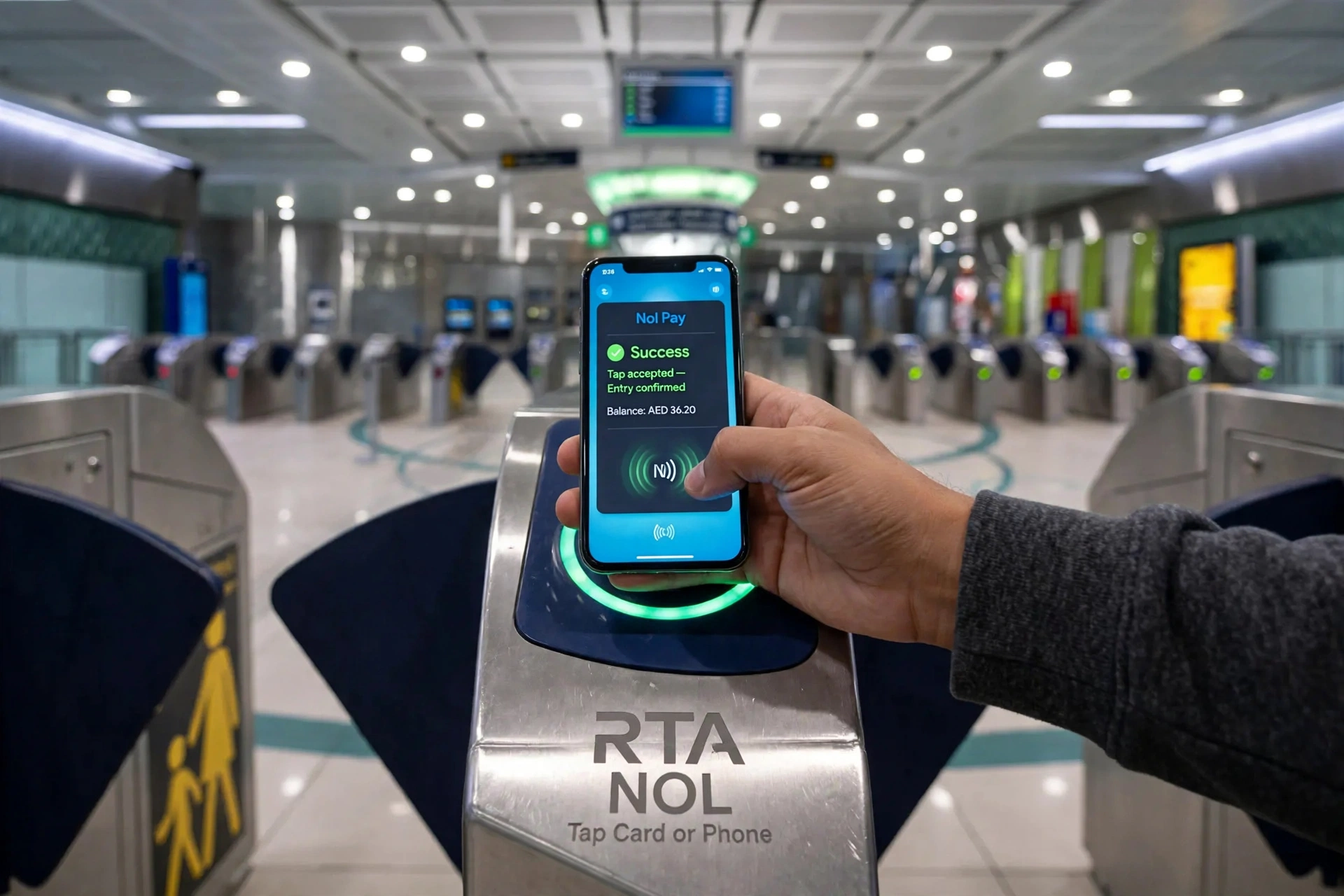
⚠️ Warning: Digitising Permanently Invalidates the Physical Card
Once a physical Nol card is digitised, the plastic is permanently deactivated. Only the digital card on your phone will work afterwards. There is no “switch back”.
Order matters: personalise/register your card (AED 30, linked to Emirates ID) before digitising. Registration protects the balance and must happen first.
iPhone & Apple Wallet Status (2026)
There is no Nol card in Apple Wallet. No setting, app or workaround adds a Nol card to Wallet on an iPhone or Apple Watch.
What iPhone owners can do:
- Use the Nol Pay app to read a physical card over NFC and top it up from AED 5.
- Pay for top-ups with Apple Pay in the RTA Dubai and S’hail apps — this moves money to the plastic card; the fare still lives on the plastic, not in Wallet.
RTA’s big system upgrade (account-based ticketing, due Q1 2027 — see our Nol card upgrade guide) is expected to widen digital wallet support, but Apple Wallet isn’t confirmed.
Where the Digital Card Works
Everywhere the plastic does: Dubai Metro, Tram, RTA buses, marine transport, taxis, RTA parking and 14,000+ retail outlets. Top it up in the Nol Pay app, and check the balance via the app or your Tag ID.
How to Check If Your Phone Is Compatible
- Install/update the Nol Pay app.
- Look for Card → Get Your Nol Card → Digitise Physical Nol Card.
- If the option appears, your model is certified. If missing, your phone can still read and top up physical cards over NFC.
Digital vs Physical: Pros and Cons
| Digital Nol card | Physical Nol card | |
|---|---|---|
| What you carry | Just your phone | Card in wallet |
| Works if phone dies | No | Yes |
| Top-up speed | Instant in-app | Instant at machines; 45 min–4 h online |
| Devices | Certified Samsung/Huawei only | Any — no phone needed |
| Reversible? | No — plastic dies permanently | N/A |
Troubleshooting digitisation
- Option not appearing in Nol Pay? Your model isn’t certified.
- NFC not reading? Remove thick cases, hold the card flat at the NFC spot for several seconds.
- Transfer stuck? Keep the app open and the phone awake until confirmation appears.
Watch: Nol Card & Apple Wallet — 2026 Status
Frequently Asked Questions
Can I add my Nol card to Apple Wallet?
No. As of 2026, RTA does not support Nol cards in Apple Wallet, and there is no legitimate workaround. iPhone owners can use the Nol Pay app to read and top up a physical card via NFC.
Which phones support a digital Nol card?
Compatible Samsung phones (Samsung Wallet/Nol Pay), Huawei phones (Huawei Wallet/Nol Pay), and Huawei Watch 3/3 Pro. Check the Nol Pay app on your device to confirm.
How do I digitise my physical Nol card?
Nol Pay app: Card → Get Your Nol Card → Digitise Physical Nol Card → hold the physical card to the phone’s NFC → wait for transfer → Continue. Or start from Samsung Wallet → All → Transit Cards → Nol Card.
Does digitising delete my physical card?
Effectively yes — the physical card is permanently invalidated. Only the digital card works afterwards.
Which card types can be digitised?
Silver, Gold and Blue (Personal). Red Tickets cannot be digitised.
Can I use a digital Nol card on the metro, bus and tram?
Yes — everywhere the plastic works: metro, tram, buses, marine, taxis, parking and retail. Just tap your phone.
How do I top up a digital Nol card?
In the Nol Pay app with a debit/credit card. See our Nol card recharge guide.
My Android phone has NFC — can I get a digital Nol card?
Not automatically. Any NFC Android can read and top up a physical card, but only certified Samsung/Huawei models can host the digital card.
Should I register my card before digitising?
Yes — personalise first (AED 30, Emirates ID). Registration protects your balance if the phone is lost. Register, then digitise.
Will Apple Wallet ever support Nol cards?
Not confirmed. The Q1 2027 account-based ticketing upgrade will expand wallet support generally, but Apple Wallet specifically isn’t confirmed.
Last updated: October 2026.
Pingback: Nol Card Upgrade 2026: Account-Based Ticketing Explained | UAE Mercury