
Quick answer: Recharge your Nol card online via the Nol Pay app (NFC tap — instant), the RTA website or RTA Dubai app (Tag ID, 45 min–4 hrs to activate), S’hail, Mahboub chatbot, or Dubai Now. Offline: Metro station vending machines (min AED 20), ticket offices (min AED 50), and retailers like Zoom, Carrefour and ENOC petrol stations. Online max is AED 150 per transaction.
Low balance? This guide walks you through every official way to top up your Nol card in 2026 — with exact steps, limits, and the pending-credit trap most people fall into.
New to Nol? Start with our Nol Card Balance Check guide to see your current balance first.
How to Recharge Nol Card Online (7 Methods)
1. Nol Pay App — NFC Tap (Fastest, Instant)
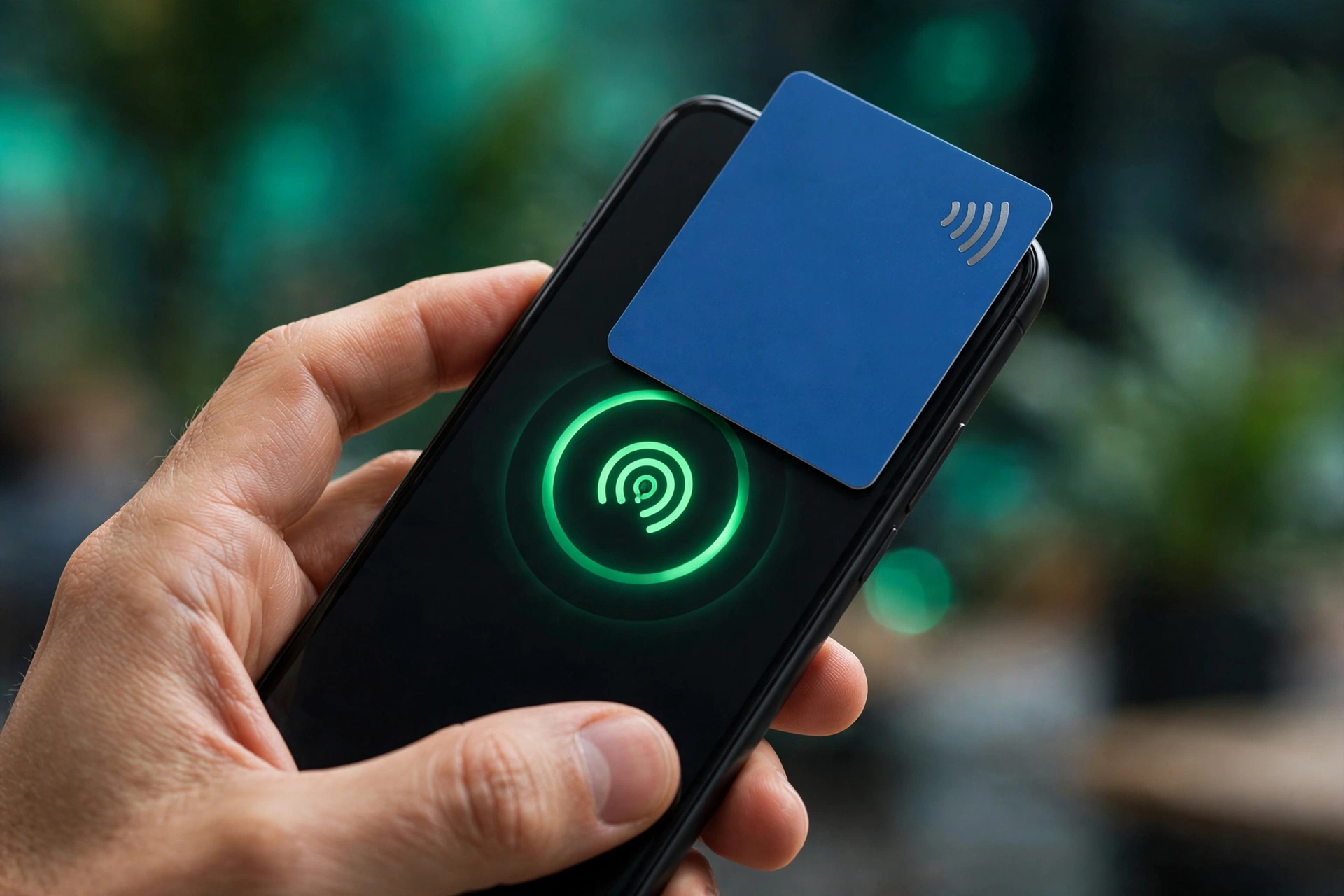
The RTA’s dedicated Nol app. If your phone has NFC, this is the best method — the balance is written directly to your card chip, no activation needed.
- Download Nol Pay (iOS/Android/Huawei)
- Tap Cards → Top Up Nol Card
- Place your Nol card against the back of your phone and hold steady
- Enter the amount, pay by card, then tap the card a second time — balance activates immediately
2. RTA Website (No App Needed)
- Go to rta.ae → Public Transport → Nol → Top up Nol card
- Enter your 10-digit Tag ID (back of the card) and your email
- Choose an amount — AED 30, 40, 50, 100 or 150 (or custom)
- Pay by debit/credit card and complete the OTP step
- Your top-up sits as pending credit — activate it by tapping at a Metro gate, parking meter, top-up machine, or via Nol Pay NFC
3. RTA Dubai App
- Open the RTA Dubai app → Services → Nol → Top up Nol card
- Enter the Tag ID manually or scan the card with NFC
- Pick an amount (AED 30–150), pay, done — then activate the pending credit before travelling
4. S’hail App
- Open S’hail (the RTA journey planner) and log in
- Tap the NOL Card section → Top Up
- Enter your Tag ID, choose the amount, pay online
- Like other online methods, the credit needs activation at a gate/machine
5. Mahboub Chatbot (WhatsApp / Web)
Mahboub is the RTA’s AI chatbot — on the RTA website, RTA app, S’hail and Dubai Drive.
- Open the chat and type “Top up Nol card”
- Enter your Nol Tag ID
- Choose an amount (minimum AED 30, maximum AED 150)
- Pay via DubaiPay
- Activate at a Metro gate, parking meter, solar top-up machine, or Nol Pay app
6. Dubai Now App
The Digital Dubai app bundles 130+ government services. Log in with UAE Pass → Bills → Nol → enter Tag ID → choose amount → pay by card.
7. Bank Apps
Several UAE bank apps offer Nol top-up under bill payments — minimum AED 5 on some. Check your bank’s app.
How to Recharge Nol Card Offline
| Place | Minimum | Speed |
| Ticket vending machine (Metro stations) | AED 20 (since Mar 2025) | Instant |
| Ticket office | AED 50 (since Aug 2024) | Instant |
| Retail: Zoom, Carrefour, Spinneys, Lulu | Varies | Instant |
| Petrol stations: ENOC / EPPCO | Varies | Instant |
| Solar top-up machines (bus stops) | Varies | Instant |
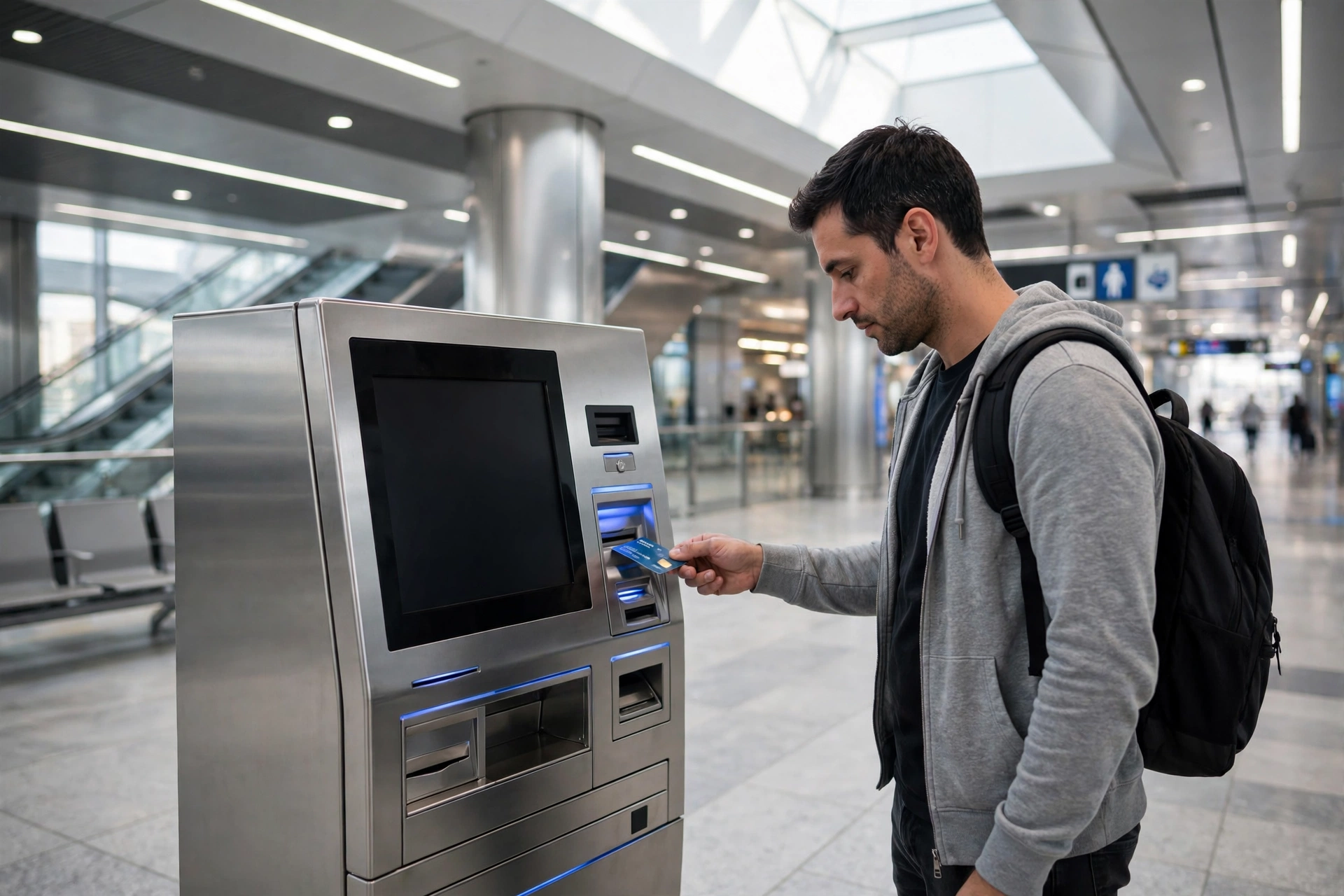
Steps at a vending machine: insert card in the reader slot → choose Recharge/Top up → select amount → pay (cash or card) → wait for confirmation. The balance is on your card instantly — no activation needed.
Nol Card Recharge Limits (2026)
| Rule | Amount |
| Minimum online top-up (RTA website/app) | AED 30 |
| Minimum via Nol Pay NFC / bank apps | AED 5 |
| Maximum per online transaction | AED 150 |
| Maximum balance — anonymous (Silver/Gold) | AED 1,000 |
| Maximum balance — registered (Blue) | AED 5,000 |
| Pending credit expiry | 180 days |
Pro tip: if you need more than AED 150, just do back-to-back transactions — there’s no daily count limit, only the per-transaction cap.
Pending Credit: Activate Your Top-Up!
Topped up online but the gate still rejects you? Online payments create pending credit — it only lands on your card when you tap one of these (bus validators can’t do it):
- Metro gate — tap in and back out at the same gate within 2 minutes
- Parking meter
- Ticket top-up machine
- Nol Pay app (NFC) — second tap activates instantly
Don’t forget: pending credit expires after 180 days. And you can’t activate top-ups on expired or blocked cards — renew first.
Auto Top-Up: Never Think About It Again
In Nol Pay, enable auto-reload: when your balance falls below your threshold, the app tops up automatically (AED 20–500 per day ceiling) on your next NFC tap. Set it once — no more gate rejections.
Troubleshooting: Recharge Problems & Fixes
- Payment succeeded but no balance → it’s pending credit; tap at a gate/machine to activate
- “Invalid Tag ID” → enter the 10 digits with no spaces, exactly as printed
- Top-up not activating → card may be expired or blocked — visit a ticket office
- NFC tap fails → remove thick phone cases; hold the card flat for 2–3 seconds
- Stuck at “processing” → don’t pay twice; check pending credit first, then call RTA on 800 90 90
- Can’t top up more than AED 150 → per-transaction cap; split into multiple top-ups
Frequently Asked Questions
What is the minimum Nol card recharge?
What is the maximum I can put on my Nol card?
How long does a Nol recharge take to show?
Can I recharge with just the card number?
Is there a fee to recharge?
Can I transfer balance between Nol cards?
Can I recharge with cash online?
What if my card is expired?
Does auto top-up cost extra?
Where can I recharge near me?
Last updated: October 2026. Limits and channels are set by Dubai’s RTA and can change — verify on rta.ae.
Pingback: Nol Card Balance Check: 7 Ways Online & Offline (2026 Guide) | UAE Mercury
Pingback: Nol Card for Tourists: Which Card to Buy in Dubai (2026 Guide) | UAE Mercury
Pingback: Dubai Metro Fares & Nol Passes: Prices, Zones & Daily Caps (2026) | UAE Mercury
Pingback: Nol Card Types & Prices in Dubai: Red, Silver, Gold, Blue Compared (2026 Guide) | UAE Mercury
Pingback: Where to Buy a Nol Card in Dubai: Stations, Shops & Machines (2026) | UAE Mercury
Pingback: Nol Card Refund, Travel History & Lost Card: Complete Guide (2026) | UAE Mercury