
Quick answer: You can check your Nol card balance 7 ways: (1) RTA website with your 10-digit Tag ID (no login needed), (2) Nol Pay app with an NFC tap, (3) RTA Dubai app, (4) S’hail app, (5) Metro station ticket machines, (6) SMS to 511, (7) just tap at any gate — the display shows your balance. You need AED 7.50 minimum to travel (AED 3.50 on Blue Personal cards).
Running out of balance at a Metro gate is every Dubai commuter’s nightmare. This guide covers every way to check your Nol balance, top up, fix pending credit, and avoid the mistakes most guides don’t mention.
7 Ways to Check Your Nol Card Balance
Method 1: RTA Website (Fastest — No Login Needed)
- Go to rta.ae → Public Transport → Nol → “Check Nol card balance”
- Enter the 10-digit Tag ID printed on the back of your card
- Complete the CAPTCHA and click Search
- You’ll see your balance, card expiry date, and any pending credit
Method 2: Nol Pay App (NFC Tap — Instant)
- Download Nol Pay (the RTA’s official Nol app)
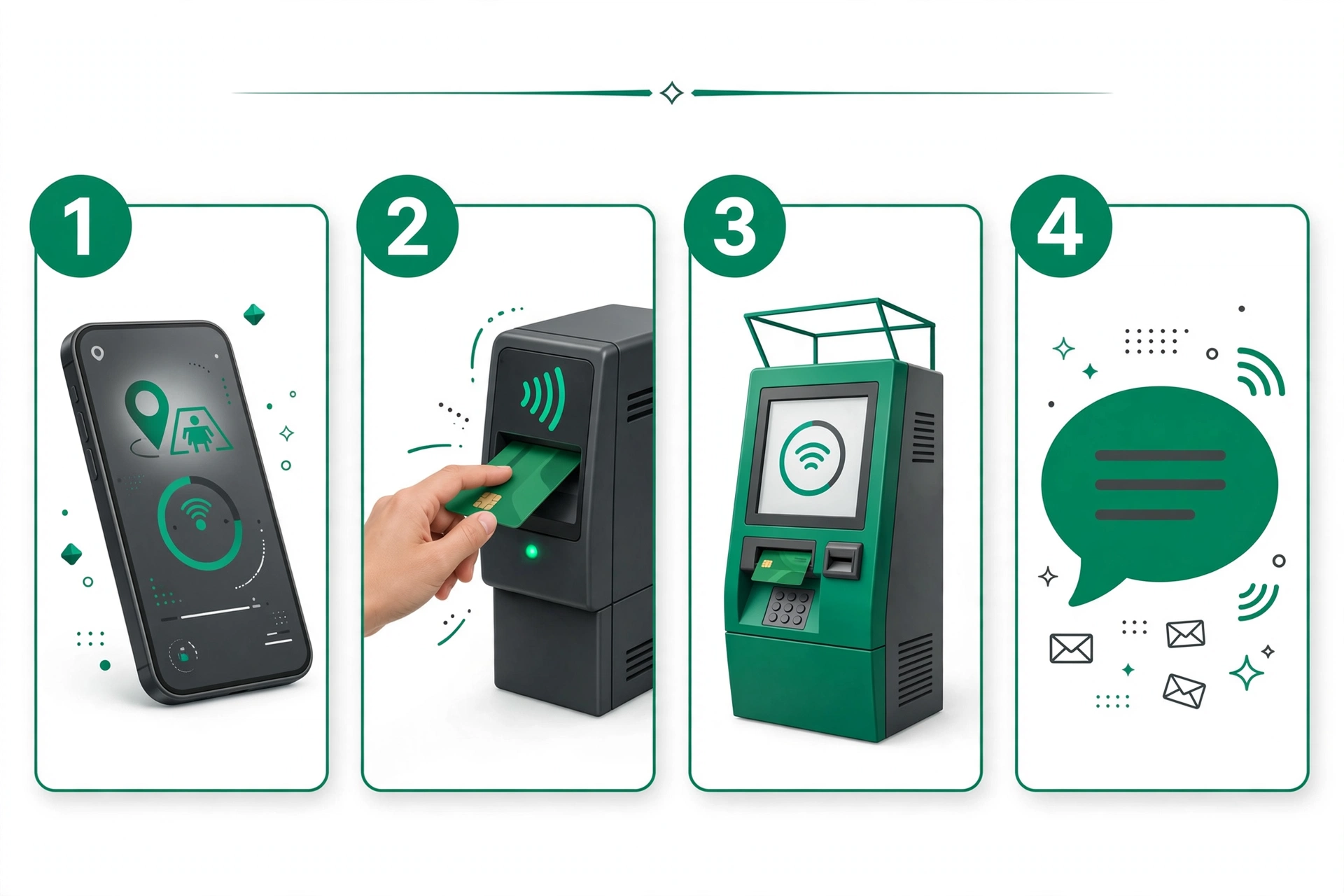
- Tap your card on the back of your NFC-enabled phone — balance appears instantly
- Bonus: low-balance alerts, family multi-card management, and transaction history
Method 3: RTA Dubai App
Open the official RTA Dubai app → Nol services → enter your Tag ID. Check and top up in one place with a debit/credit card or Apple Pay.
Method 4: S’hail App
The RTA’s journey-planner app S’hail also includes Nol balance check and top-up alongside trip planning.
Method 5: Ticket Vending Machines & Ticket Offices
At any Metro station, insert your card into a ticket vending machine and select “Check Balance” — you’ll see your balance plus recent transactions. Ticket offices can check too.
Method 6: SMS to 511
Send an SMS to 511 following the RTA’s format to get your balance by text — useful with no internet.
⚠️ Accuracy note: some third-party sites claim SMS numbers like 4444 or 4488, or a “14-digit Tag ID.” The RTA’s official consensus is a 10-digit Tag ID and 511. When in doubt, verify on rta.ae.
Method 7: Gate Display (Zero Effort)
Just tap your card at any Metro gate or bus reader — the display flashes your remaining balance for a few seconds.
Which Method Is Best for You?
| Method | Internet needed | Speed | Best for |
|---|---|---|---|
| RTA website | Yes | Seconds | Quick check from anywhere |
| Nol Pay app (NFC) | Yes | Instant | Phone users, family cards |
| RTA Dubai app | Yes | Seconds | Check + top up together |
| S’hail app | Yes | Seconds | Trip planning + balance |
| Vending machine | No | 1–2 min | At the station, no phone |
| SMS to 511 | No (SMS) | ~1 min | No internet |
| Gate display | No | Instant | Already travelling |
Watch: Nol Card Balance Check & Recharge (Video)
Where Is Your 10-Digit Tag ID?
Flip your Nol card over — the 10-digit Tag ID is printed near the barcode. Take a photo of it: with the number saved, you can check your balance anytime without carrying the card.
🔒 Security warning: never type your Tag ID into random third-party “balance checker” websites. Stick to RTA official channels (rta.ae and official apps).
Nol Card Types, Prices & Validity (2026)
| Card | Price | Credit included | Max load | Validity |
|---|---|---|---|---|
| Red Ticket (paper) | AED 2 | Pay per trip (10 trips max) | — | 90 days |
| Silver | AED 25 | AED 19 | AED 1,000 | 5 years |
| Gold | AED 25 | AED 19 | AED 1,000 | 5 years |
| Blue (Personalised) | AED 70 | AED 20 | AED 5,000 | 5 years |
| Student / ISIC | AED 70 / 95 | Varies | AED 1,000 | 5 years |
Gold gives you Gold Class cabin access; Silver is the standard adult card; Blue is registered to your name (balance protection + transfer if lost).

Minimum Balance to Travel (2026)
| Card | Minimum to enter |
|---|---|
| Silver / Gold / Travel | AED 7.50 |
| Blue (Personal) | AED 3.50 |
💡 Pro tip: most guides only mention AED 7.50 — but Blue Personal cardholders can travel with just AED 3.50. Either way, keep a AED 20–30 buffer so a long trip never strands you.
How to Top Up Your Nol Card (All Channels)
| Channel | Minimum | Speed | Note |
|---|---|---|---|
| Nol Pay app (NFC) | AED 5 | Instant | Fastest digital top-up |
| RTA website | AED 5 | 45 min – 4 hrs (pending) | Max AED 150 per transaction |
| RTA Dubai app | AED 30 | 45 min – 4 hrs (pending) | Max AED 150 per transaction |
| Ticket vending machine | AED 20 (since Mar 2025) | Instant | Was AED 5 before Mar 2025 |
| Ticket office | AED 50 | Instant | Since Aug 2024 |
| Retail (Zoom, Carrefour, Spinneys, ENOC/EPPCO) | Varies | Instant | — |
| Mahboub (WhatsApp) | Varies | Varies | Chat-based top-up |
| Bank apps | AED 5 | Varies | — |
For step-by-step instructions, limits, pending-credit activation and troubleshooting, see our complete Nol card recharge guide.
Pending Balance: Why Your Top-Up Isn’t Showing
Topped up online but the gate still says low balance? Your money is sitting as pending credit — online top-ups don’t hit the card chip automatically.
To activate it, tap your card on any of these (bus validators cannot do it):
- A Metro gate (tap in and back out at the same gate within 2 minutes)
- A parking meter
- A ticket top-up machine
- Your phone via the Nol Pay app (NFC)
⏰ Important: pending credit expires after 180 days if never activated — don’t let it lapse.
Auto Top-Up: Never Run Out Again
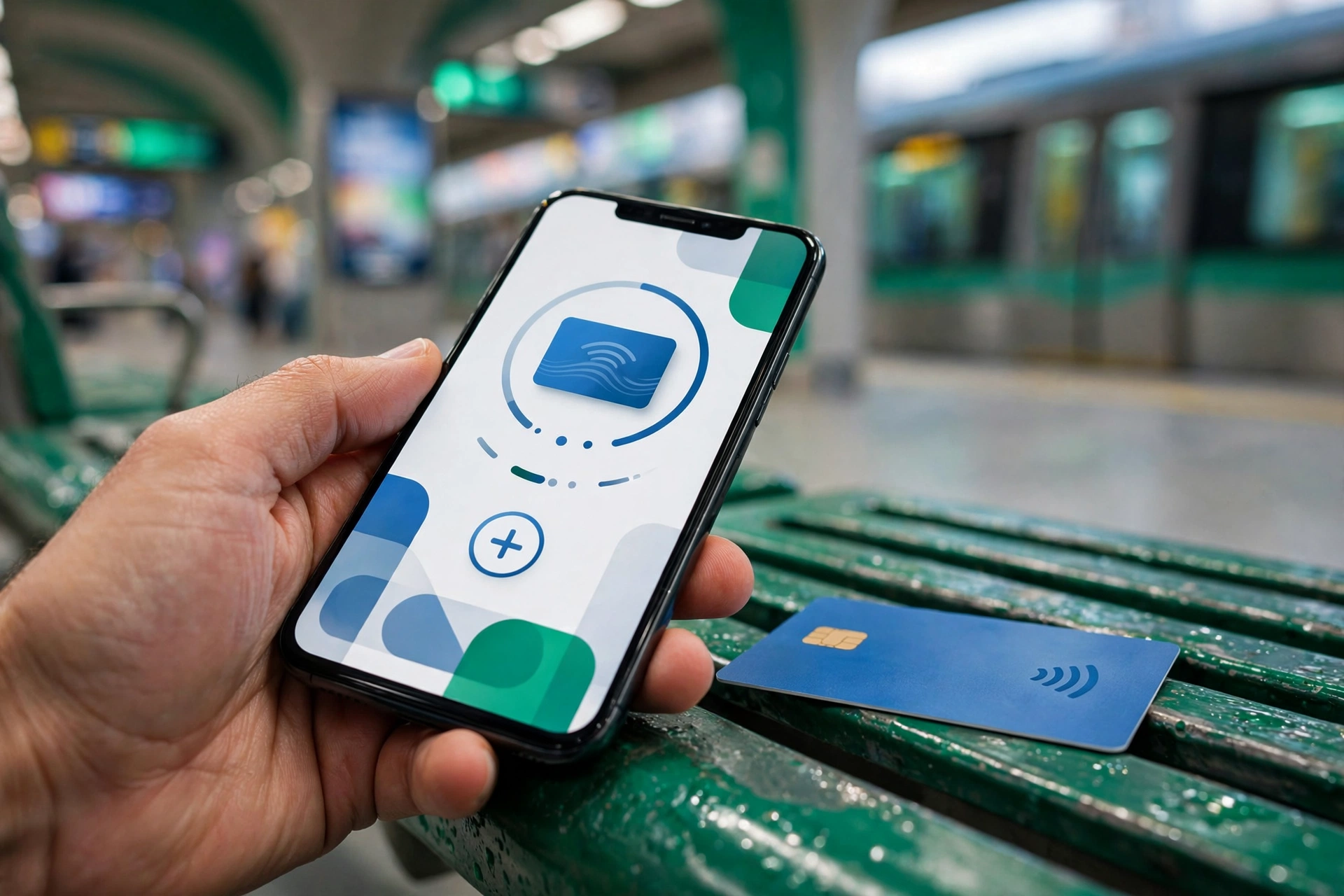
In the Nol Pay app, set up auto-reload: when your balance drops below your chosen threshold, the app tops up automatically (AED 20–500 per day ceiling) via NFC tap. Set it once, forget about gates rejecting you.
Nol Card for Tourists: Which One?
Visiting Dubai? Get the Silver card — best value for most visitors. The Red paper ticket only makes sense for 3 or fewer trips (Silver beats Red from the 4th journey). Buy at any Metro station — no ID needed. Everything in this guide works exactly the same for tourists.
Troubleshooting: Common Problems & Fixes
- “Invalid Tag ID” — use the 10-digit ID on the card back, not the receipt number.
- Balance not updating after top-up — it’s pending credit; tap at a gate/machine to activate (see above).
- NFC not reading — remove thick phone cases; hold the card flat on the phone’s NFC spot for 2–3 seconds.
- Card not working at all — may be demagnetised or expired — visit a ticket office.
- Forgot to tap out on a bus — you’ll be charged the maximum fare for that route. Always tap out.
- Nol doesn’t work in Abu Dhabi — correct. Abu Dhabi uses the separate Hafilat card system.
What’s Changing: The Big Nol Upgrade (2026–2027)
Dubai is spending AED 550 million upgrading Nol to account-based ticketing — 72% complete as of July 2026, full rollout expected by Q1 2027. Coming: digital wallets, QR-code ticketing, paying directly with your bank card, automatic top-ups from a linked bank account, family multi-card management, and transaction statements.
What isn’t changing: fares stay the same, existing cards keep working, and the 10-digit Tag ID remains the lookup.
📱 Digital Nol now: Samsung Wallet and Huawei phones support it — but no Apple Wallet/iPhone support yet, and digitising a card permanently kills the physical plastic. Think twice before converting.
Frequently Asked Questions
How do I check my Nol card balance online?
Can I check my Nol balance with just the card number?
Can I check without internet?
What is the minimum balance to travel?
Why is my balance showing as “pending” after top-up?
How do I see my transaction history?
Is it safe to use third-party balance-check websites?
Can I check my Nol balance in Abu Dhabi?
What happens if my balance is too low to travel?
Can two people travel on one Nol card?
Does one card work on Metro, tram and bus?
How do I get a refund of my Nol balance?
What if I lose my Blue (registered) card?
Do tourists need a Nol card?
Is there a fee to top up online?
Last updated: October 2026. Fares, limits and rules are set by Dubai’s RTA and can change — verify on
rta.ae before travelling.
Pingback: Nol Card Recharge: How to Top Up Online & Offline (2026 Guide) | UAE Mercury
Pingback: Nol Card for Tourists: Which Card to Buy in Dubai (2026 Guide) | UAE Mercury
Pingback: Dubai Metro Fares & Nol Passes: Prices, Zones & Daily Caps (2026) | UAE Mercury
Pingback: Student Nol Card: How to Apply, Price & 50% Discount (2026) | UAE Mercury
Pingback: Nol Card Types & Prices in Dubai: Red, Silver, Gold, Blue Compared (2026 Guide) | UAE Mercury
Pingback: Nol Card Minimum Balance: How Much You Need to Travel in 2026 | UAE Mercury
Pingback: Nol Pay App: Download, NFC Top-Up & Features (2026 Guide) | UAE Mercury
Pingback: Nol Card Refund, Travel History & Lost Card: Complete Guide (2026) | UAE Mercury
Pingback: Digital Nol Card: Samsung Wallet, Huawei & iPhone Status (2026) | UAE Mercury
Pingback: Nol Card Upgrade 2026: Account-Based Ticketing Explained | UAE Mercury
Pingback: Prayer Time Abu Dhabi: Today's Timetable (2026 Guide)